Supplice
Mekworx2023Shooter, Indie
1.2GBBuild 25366771Updated 4 days ago
About Supplice
Supplice is a stylish throwback shooter inspired by the mid-90s FPS glory days and the legendary Doom modding community. Mixing the retro stylings of 90s era shooters with colorful graphics and frantic gameplay, it creates an experience that's ever so familiar but also exciting and fresh.


Supplice is everything that you would ever want from a ‘90s-stylized shooter: fast-paced action with big guns and even bigger enemies, wrapped in the most stylish pixel art in this part of the Universe. In other words, if the original DOOM had a hot sister, Supplice would be her.

The story of Supplice will bring you to the far corners of the Universe as humanity has outgrown its cradle. As a part of a terraforming team, it was your job to find and prepare new worlds for colonization. While unleashing bio-mechanical horrors was not on your terraforming to-do list, saving the world will now have to be in your resume.

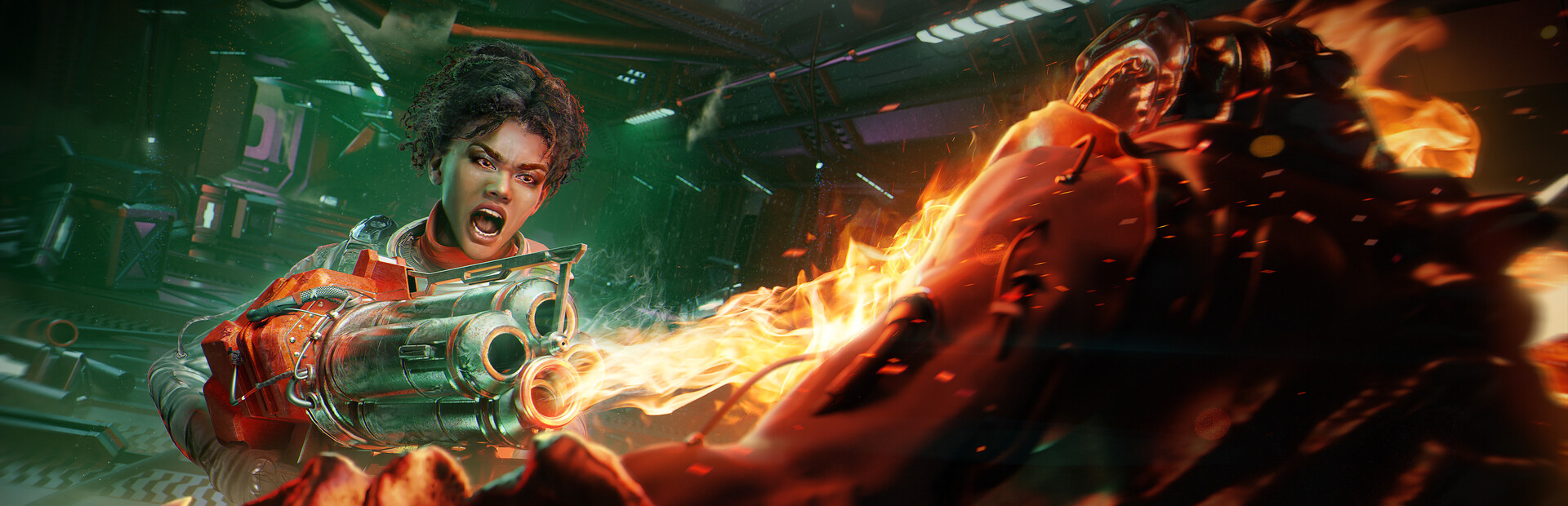
Every encounter with the mecha-mutant fiends will be a swift and brutal affair. Luckily, you’re an engineer and you’ll have a lot of tools to solve such ‘practical problems’, from industrial drills and flamethrowers to conventional firearms and experimental weaponry.
And if that is not enough, there are always alternative modes. Need someone to cover your back? Change your minigun into a stationary sentry gun! Need some breathing room? Expel flammable gas from your flamethrower and set it aflame for a toasty, enemy-free space!
From the store page, unedited. May contain spoilers.
This release
Reviews and playtime
Very Positive
87% of 551
The game
Genres and features

How to install Supplice
Pre-installed, so there is no setup wizard. Follow these in order.
- 01
Create a games folder
Make a folder like C:\Games\ and keep every game in it. Avoid Program Files, Downloads and the Desktop.
- 02
Exclude it from Windows Defender
Defender often deletes cracked files by mistake while they extract. Add C:\Games\ as an excluded folder:
Windows Security -> Virus & threat protection -> Manage settings -> Exclusions -> Add an exclusion -> Folder
- 03
Download into C:\Games\
Save the archive straight into that folder. This release is one 1.2GB file.
- 04
Extract it there
Use 7-Zip or WinRAR. Keep about 2.6 GB free while it unpacks.
- One file
- Right-click it -> Extract here.
- Several parts
- Extract only part1 (or .001). The other parts are read automatically.
- 05
Open README.html
It is inside the extracted folder and explains how to start the game.
Still stuck? Read the install help
Download
Set up your games folder and the Defender exclusion before you extract. The Install tab has the steps.
FilesYard
The whole game in one file
FileDitch
The whole game in one file
VikingFile
The whole game in one file
We don't accept fix requests when only one host is down. Please use another mirror above. Links broken? Let us know.
We never password-protect files or hide installers. If a page asks for a password or payment, that is the host's ad, not us. See our safety guide.
System requirements
- Min
- Windows 10
- Min
- Intel or AMD 64-bit 2.0 GHz Processor
- Min
- 4 GB RAM
- Min
- AMD Radeon HD 5000 Series/NVidia GT 420/Intel HD 5000
- Min
- 250 MB available space
These are the developer's listed requirements and may not be 100% accurate. If your specs fall below the minimum, try the game anyway; many games run fine below the listed requirements. When in doubt, check YouTube for performance benchmarks.