Obsidian Entertainment2025RPG, Action
79.6GBBuild 24225441Updated 83 days ago
About The Outer Worlds 2
The Outer Worlds 2 is the sequel to the award-winning first-person sci-fi RPG from Obsidian Entertainment.
Premium Edition
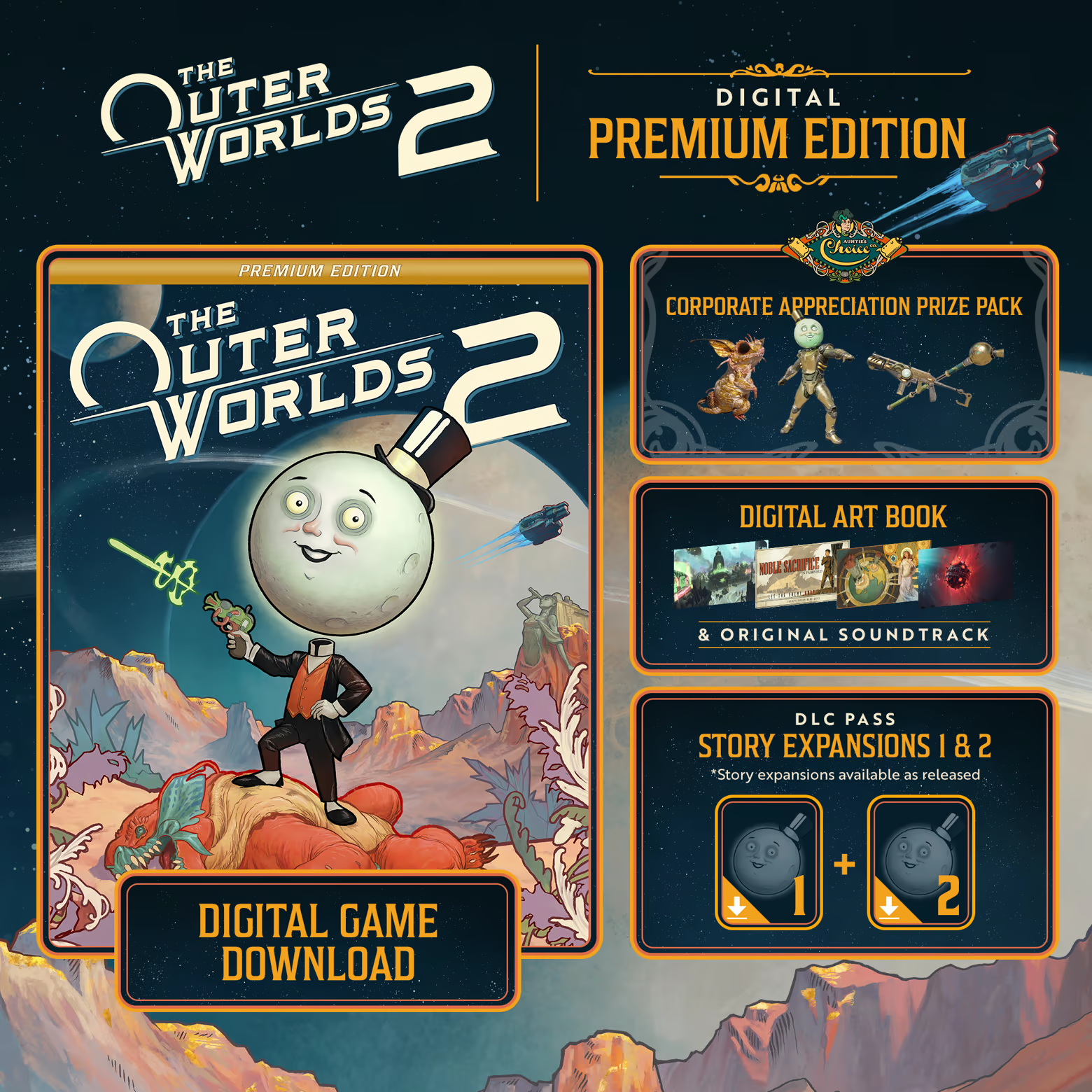
The Outer Worlds 2 Premium Edition includes:
- The Outer Worlds 2 base game
- DLC Pass for 2 future story expansions*
- Moon Man’s Corporate Appreciation Premium Prize Pack
- Access to The Outer Worlds 2 Digital Artbook & Original Soundtrack* Story expansions available as released
About the Game
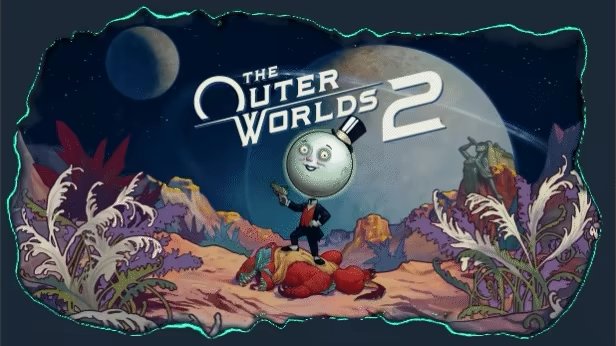
The Outer Worlds 2 is the eagerly-awaited sequel to the award-winning first-person sci-fi RPG from Obsidian Entertainment (just look at the exciting number of dashes in this sentence!). Time to clear your calendar – get ready for an action-packed adventure with a new crew, new weapons, and new enemies in a new colony! So much newness!

As a daring and most likely good-looking Earth Directorate agent, you must uncover the source of devastating rifts threatening to destroy all of humanity. Your investigation leads to Arcadia, home of skip drive technology, where the fate of the colony, and ultimately the entire galaxy, rests on your decisions—your strengths, your flaws, your crew, and the factions you choose to trust.

The Arcadia colony is engulfed in a factional war, as the Protectorate’s so-called benevolent rule is challenged by the rebellion of their religious order and a corporate invasion. As destructive rifts spread across the colony, each faction fights to control or close them for their own ends. Navigate diverse zones, uncover hidden lore, and shape the fate of a system on the brink!


Build your character with the abilities and choices that reflect your playstyle. The colony reacts to your every move, crafting a narrative that’s yours to own—whether you’re a disciple of diplomacy, an astute strategist, a crusader for chaos, or something different altogether. And yes, you can dumb!


Recruit companions with unique traits, backgrounds and goals. Whether you choose to help them achieve their ambitions or steer them toward your own objectives, your influence shapes their growth (or death), making them an integral part of the immersive story you create together.
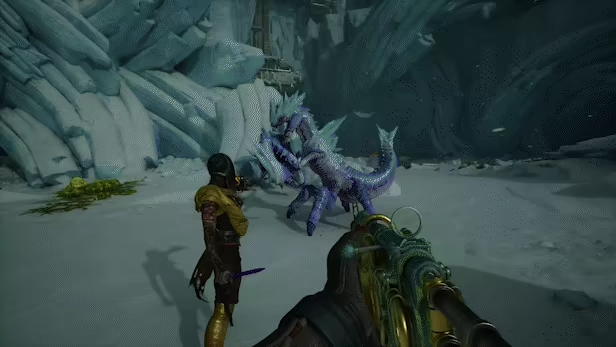
High Fidelity Graphics
Explore Arcadia with stunning visual detail. The Outer Worlds 2 supports true 4K resolution on compatible devices and unlocked framerates on PC, delivering smooth performance across sprawling alien landscapes, neon-lit cities, and fractured space environments.
Ray Tracing
Ray tracing adds depth and realism across Arcadia. From glowing rift anomalies to the reflections of neon signs on rain-soaked streets, advanced lighting, shadows, and reflections create a more dynamic and immersive experience.
DLSS, FSR, and XeSS Support
Play with optimized performance across the board. The Outer Worlds 2 supports NVIDIA DLSS, AMD FSR, and Intel XeSS upscaling, ensuring sharp visuals and higher frame rates no matter your GPU.
HDR
Step into Arcadia with high dynamic range support. HDR enhances contrast and color depth across compatible displays, making every neon light, alien sky, and weapon blast more vivid and lifelike.
Ultra-wide Support
See more of Arcadia with ultra-wide 21:9 display support. From massive corporate facilities to the vastness of space, a wider field of view delivers a more cinematic perspective on the colony’s fractured future.
From the store page, unedited. May contain spoilers.
This release
Reviews and playtime
Mostly Positive
72% of 8,817
The game
Genres and features
How to install The Outer Worlds 2
Pre-installed, so there is no setup wizard. Follow these in order.
- 01
Create a games folder
Make a folder like C:\Games\ and keep every game in it. Avoid Program Files, Downloads and the Desktop.
- 02
Exclude it from Windows Defender
Defender often deletes cracked files by mistake while they extract. Add C:\Games\ as an excluded folder:
Windows Security -> Virus & threat protection -> Manage settings -> Exclusions -> Add an exclusion -> Folder
- 03
Download into C:\Games\
This release comes in 3 parts. Save every part into that folder, all from the same mirror.
- 04
Extract it there
Use 7-Zip or WinRAR. Keep about 175.1 GB free while it unpacks.
- One file
- Right-click it -> Extract here.
- Several parts
- Extract only part1 (or .001). The other parts are read automatically.
- 05
Open README.html
It is inside the extracted folder and explains how to start the game.
Still stuck? Read the install help
Download
Set up your games folder and the Defender exclusion before you extract. The Install tab has the steps.
Download every part. You need all of them.
We never password-protect files or hide installers. If a page asks for a password or payment, that is the host's ad, not us. See our safety guide.
System requirements
- Min
- AMD Ryzen 5 2600 / Intel i5-8400
- Rec
- AMD Ryzen 5 5600X / Intel Core i7-10700K
- Min
- AMD RX 5700 / Nvidia GTX 1070 / Intel Arc A580
- Rec
- AMD Radeon RX 6800 XT / Nvidia RTX 3080
Windows 10/11 with updates
16 GB RAM
Version 12
110 GB available space
SSD required. Performance scales with higher-end systems.
These are the developer's listed requirements and may not be 100% accurate. If your specs fall below the minimum, try the game anyway; many games run fine below the listed requirements. When in doubt, check YouTube for performance benchmarks.