
Apelsinka Games2026Casual, Puzzle
154.4MBBuild 25233908Updated 61 days ago
About The Sorting Bureau
A cozy sorting game set in a quiet Tokyo workshop. Clients bring you boxes of clutter: buttons, coins, gears, stamps. Sort, match, and piece everything together with satisfying ASMR clicks. No timers. Mistakes cost nothing. Just the joy of tidying up.
Every Item Has Its Place
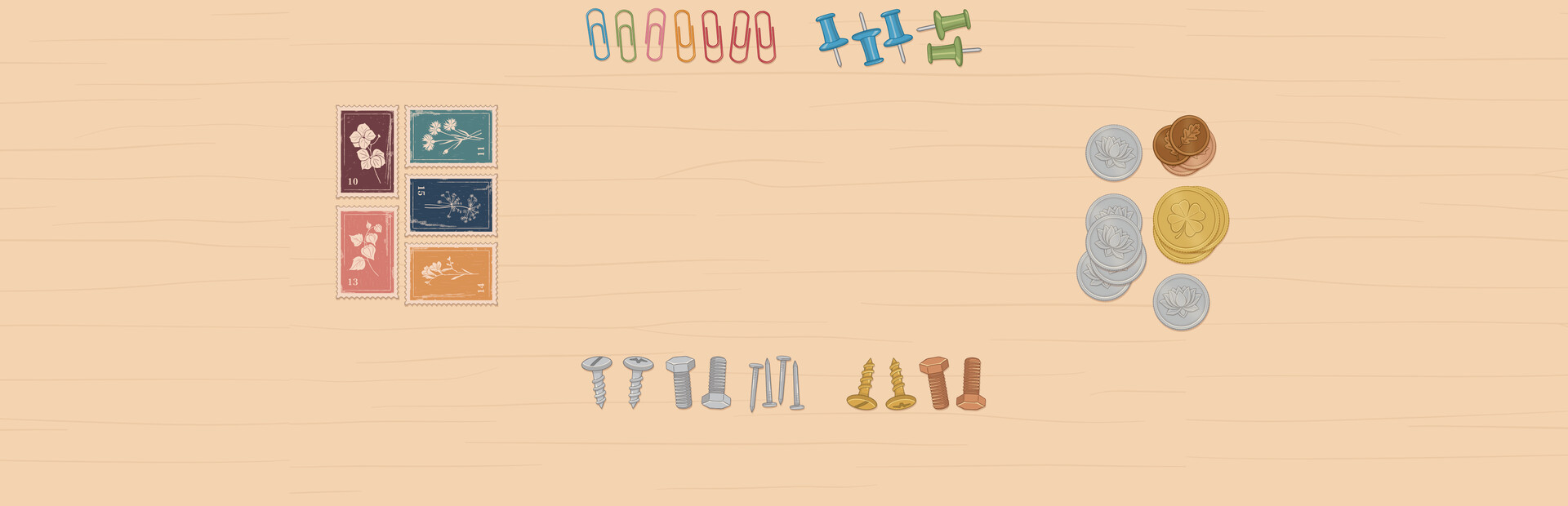
A desk covered in someone's life. Vintage buttons, foreign coins, delicate stamps, old gears, and forgotten sweets. Pick up each item and find where it belongs.
Every Material Has Its Sound
Metal clinks. Fabric rustles. Wood thuds. Each item snaps into its container with a satisfying click. The kind of sound you want to hear over and over.
Stories Told Through Objects
Every request comes from someone real. A watchmaker and his gears. A pastry chef and her molds. A manga artist buried in brushes and sketches. They bring their boxes and ask for help. Sort through their things and piece together their stories.Your Evening Ritual
New boxes show up every morning. New clients, new items, new sorting rules. Your quiet evening never runs out.Features
- Sort hundreds of tactile items across dozens of themed desks
- No timers, no penalties, no scores. Play at your own pace
- ASMR sound design: every material sounds different
- Charming clients, each with their own personality and story
- Endless requests. There's always another desk waiting
- A cozy workshop tucked away in a quiet Tokyo neighborhood

From the store page, unedited. May contain spoilers.
This release
Reviews and playtime
Mostly Positive
78% of 423
The game
Genres and features
How to install The Sorting Bureau
Pre-installed, so there is no setup wizard. Follow these in order.
- 01
Create a games folder
Make a folder like C:\Games\ and keep every game in it. Avoid Program Files, Downloads and the Desktop.
- 02
Exclude it from Windows Defender
Defender often deletes cracked files by mistake while they extract. Add C:\Games\ as an excluded folder:
Windows Security -> Virus & threat protection -> Manage settings -> Exclusions -> Add an exclusion -> Folder
- 03
Download into C:\Games\
Save the archive straight into that folder. This release is one 154.4MB file.
- 04
Extract it there
Use 7-Zip or WinRAR. Keep about 339.7 MB free while it unpacks.
- One file
- Right-click it -> Extract here.
- Several parts
- Extract only part1 (or .001). The other parts are read automatically.
- 05
Open README.html
It is inside the extracted folder and explains how to start the game.
Still stuck? Read the install help
Download
Set up your games folder and the Defender exclusion before you extract. The Install tab has the steps.
FileDitch
The whole game in one file
VikingFile
The whole game in one file
0807
The whole game in one file
Gofile (legacy)
The whole game in one file
We don't accept fix requests when only one host is down. Please use another mirror above. Links broken? Let us know.
We never password-protect files or hide installers. If a page asks for a password or payment, that is the host's ad, not us. See our safety guide.
System requirements
- Min
- Windows 10+
- Rec
- -
- Min
- Intel Core i3 / AMD Athlon 3000G (dual-core, 2 GHz)
- Rec
- -
- Min
- 4 GB RAM
- Rec
- -
- Min
- Intel HD Graphics 520 / NVIDIA GeForce GT 730 / AMD Radeon R5 (DirectX 11 compatible, 512 MB VRAM)
- Rec
- -
- Min
- Version 11
- Rec
- -
- Min
- 1 GB available space
- Rec
- -
- Min
- DirectX compatible
- Rec
- -
These are the developer's listed requirements and may not be 100% accurate. If your specs fall below the minimum, try the game anyway; many games run fine below the listed requirements. When in doubt, check YouTube for performance benchmarks.