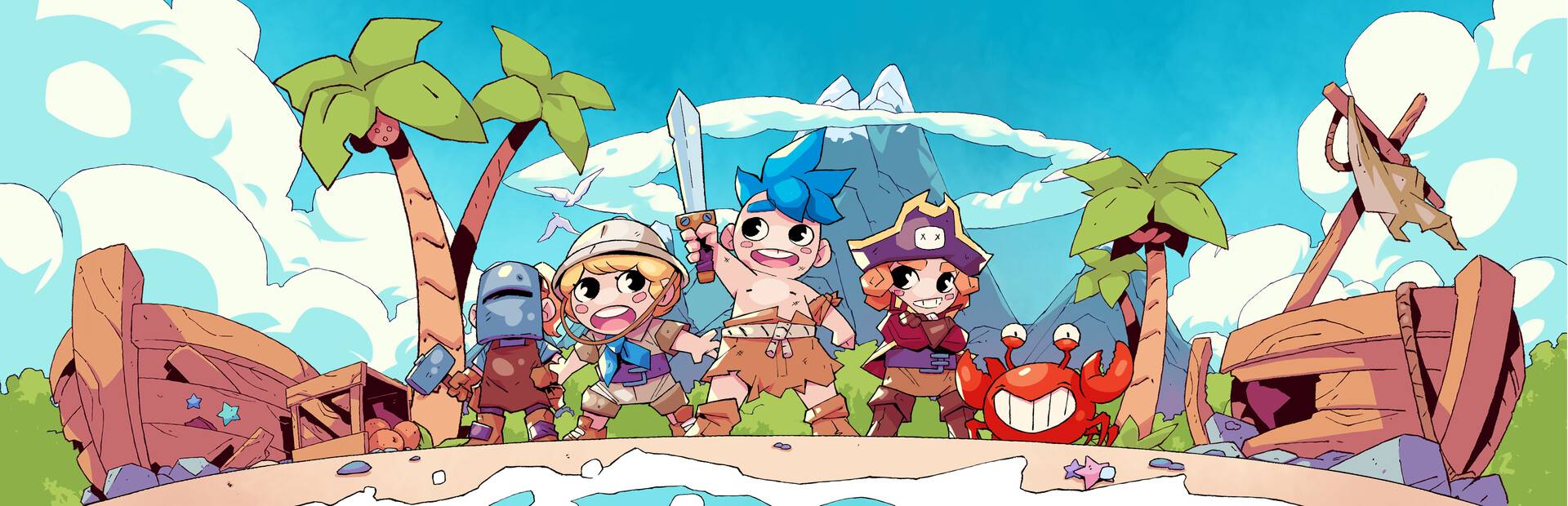
Tinkerlands
Endless Coffee2025Survival, Sandbox
461.9 MBBuild 22762534Updated 162 days ago
About Tinkerlands
Explore, craft, and fight your way through uncharted islands — solo or with up to 4 players in co-op! Tinkerlands is an exciting survival adventure where you will build your settlement, craft useful tools to survive, and even use magic!
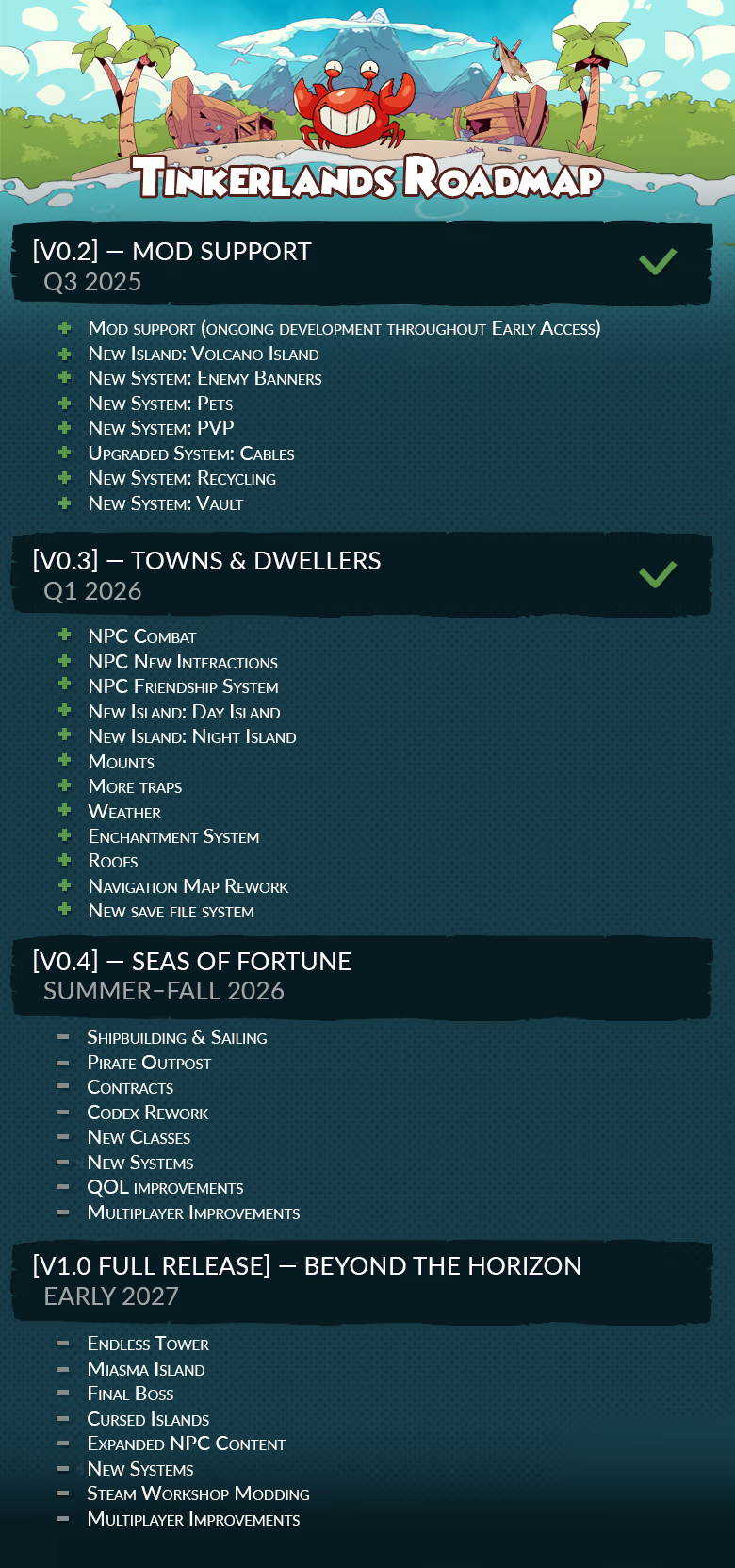
Roadmap
About the Game

Welcome to Tinkerlands - a colorful and magical, yet dangerous survival adventure where players are stranded on mysterious islands. Craft, build, explore, and survive, alone or with friends online!


Discover a vast main island, three major islands (with more coming during Early Access), and numerous smaller islands - each offering unique challenges, events, loot, and adventures!

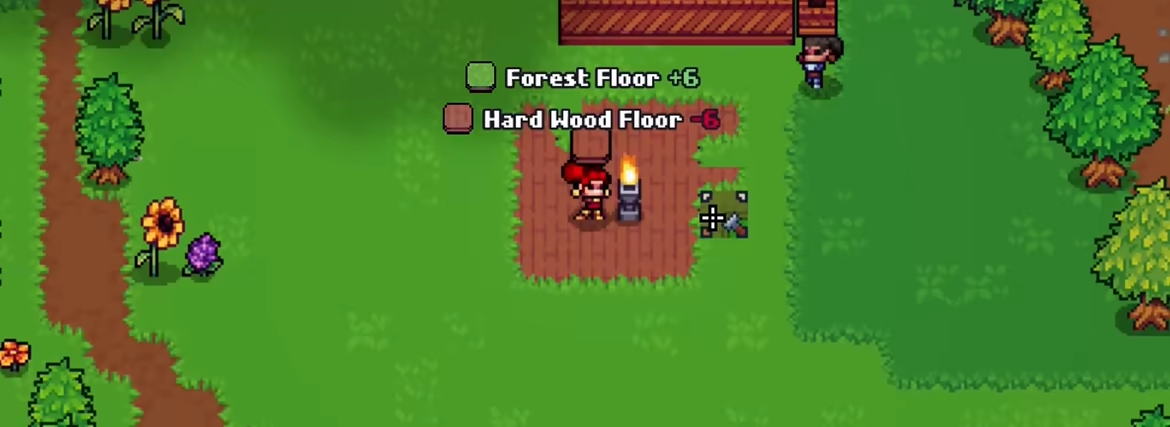
Create your own settlement, invite diverse NPCs to open shops, offer unique quests and helpful hints to aid your adventure!


Collect and craft resources from the islands’ environments and defeat over 10 challenging bosses to create powerful weapons - or quirky items just for fun!


Fishing, farming, cooking or setting up a deadly monster arena with cables and traps - fun and relaxing activities that complement your adventurous island life, offering variety and charm to your journey.


Gather your crew (up to 4 players online) and tackle the islands’ many challenges together. Build your settlement, sail the seas, and create memorable moments!
From the store page, unedited. May contain spoilers.
This release
Reviews and playtime
Very Positive
85% of 3,701
The game
Genres and features

How to install Tinkerlands
Pre-installed, so there is no setup wizard. Follow these in order.
- 01
Create a games folder
Make a folder like C:\Games\ and keep every game in it. Avoid Program Files, Downloads and the Desktop.
- 02
Exclude it from Windows Defender
Defender often deletes cracked files by mistake while they extract. Add C:\Games\ as an excluded folder:
Windows Security -> Virus & threat protection -> Manage settings -> Exclusions -> Add an exclusion -> Folder
- 03
Download into C:\Games\
Save the archive straight into that folder. This release is one 461.9 MB file.
- 04
Extract it there
Use 7-Zip or WinRAR. Keep about 1016.2 MB free while it unpacks.
- One file
- Right-click it -> Extract here.
- Several parts
- Extract only part1 (or .001). The other parts are read automatically.
- 05
Open README.html
It is inside the extracted folder and explains how to start the game.
Still stuck? Read the install help
Download
Set up your games folder and the Defender exclusion before you extract. The Install tab has the steps.
FileDitch
The whole game in one file
Gofile (legacy)
The whole game in one file
We don't accept fix requests when only one host is down. Please use another mirror above. Links broken? Let us know.
We never password-protect files or hide installers. If a page asks for a password or payment, that is the host's ad, not us. See our safety guide.
System requirements
- Min
- Win 10 or later
- Rec
- -
- Min
- Intel Core 2 Duo E6320 (2*1866) or equivalent
- Rec
- -
- Min
- 2 GB RAM
- Rec
- -
- Min
- GeForce 7600 GS (512 MB) or equivalent
- Rec
- -
- Min
- 250 MB available space
- Rec
- -
Requires a 64-bit processor and operating system
These are the developer's listed requirements and may not be 100% accurate. If your specs fall below the minimum, try the game anyway; many games run fine below the listed requirements. When in doubt, check YouTube for performance benchmarks.