Tower Factory
Gius Caminiti2024Tower Defense, Strategy
751.0MBBuild 23945899Updated now
About Tower Factory
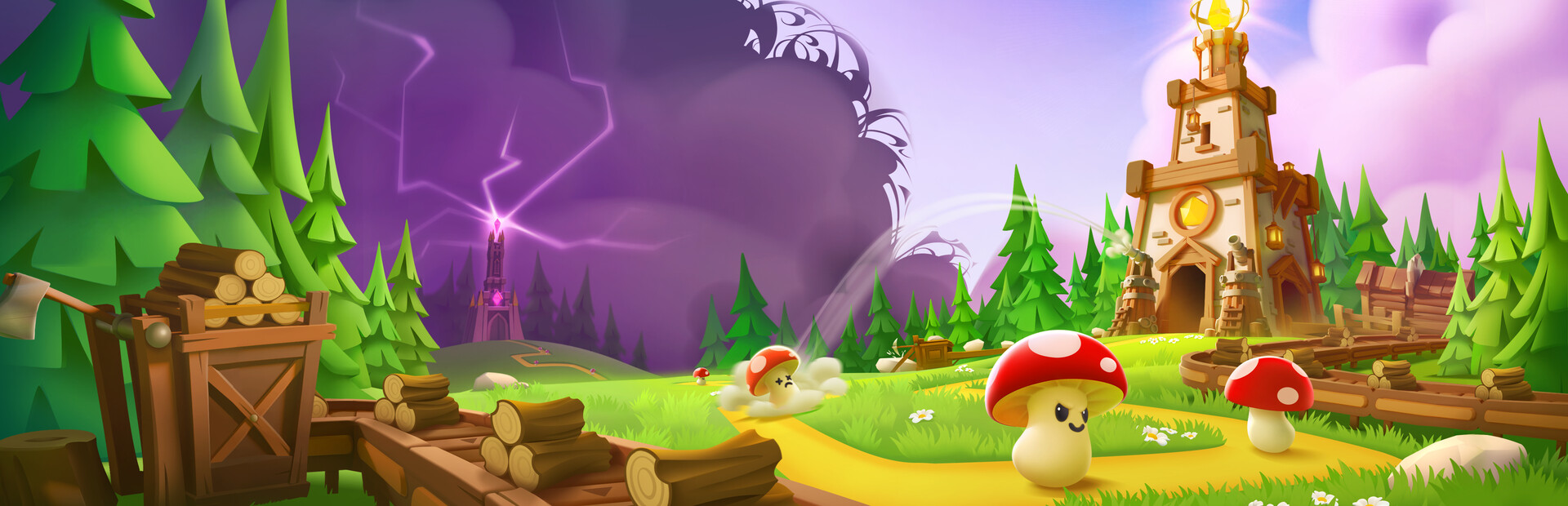
Tower Factory is a tower defense and automation game with roguelite elements. Optimize resource production using conveyor systems while defending against monster waves. Can you find and destroy the enemy tower before it's too late?
Tower Factory is a game where you have to build a factory that allows you to create enough towers to defend yourself from enemies. You'll need to find and destroy the enemy castle before it becomes too powerful and its monsters overwhelm you!
Features:
Constantly build, expand, and upgrade your factory.
Acquire resources to build more and better towers.
Explore the map to locate the enemy castle, rewards, or... more trouble!
Defeat powerful bosses and unlock new mechanics.
Unlock permanent upgrades that will aid you in your upcoming adventures.
Each game is unique as levels are procedurally generated.
Early Access content:
6 levels with a procedural generated map that makes every game unique.
6 unique bosses that unlock 6 new mechanics.
13 towers and 26 upgraded versions with new effects.
+20 factory buildings.
+70 metaprogression upgrades.
BUILD YOUR FACTORY
Create a factory from scratch in each game, gaining access to more resources and new buildings over time. How? With conveyor belts, indeed!

DEFEND AGAINST ENEMIES
Construct and upgrade suitable towers to fend off enemies who will come during the day but mostly... during the night!

EXPLORE THE MAP
Clear the fog in search of the enemy castle, treasures, and (very importantly) more space to build!
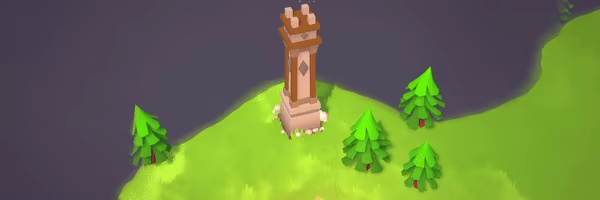
From the store page, unedited. May contain spoilers.
This release
Reviews and playtime
Very Positive
89% of 1,244
How to install Tower Factory
Pre-installed, so there is no setup wizard. Follow these in order.
- 01
Create a games folder
Make a folder like C:\Games\ and keep every game in it. Avoid Program Files, Downloads and the Desktop.
- 02
Exclude it from Windows Defender
Defender often deletes cracked files by mistake while they extract. Add C:\Games\ as an excluded folder:
Windows Security -> Virus & threat protection -> Manage settings -> Exclusions -> Add an exclusion -> Folder
- 03
Download into C:\Games\
Save the archive straight into that folder. This release is one 751.0MB file.
- 04
Extract it there
Use 7-Zip or WinRAR. Keep about 1.6 GB free while it unpacks.
- One file
- Right-click it -> Extract here.
- Several parts
- Extract only part1 (or .001). The other parts are read automatically.
- 05
Open README.html
It is inside the extracted folder and explains how to start the game.
Still stuck? Read the install help
Download
Set up your games folder and the Defender exclusion before you extract. The Install tab has the steps.
FilesYard
The whole game in one file
VikingFile
The whole game in one file
We don't accept fix requests when only one host is down. Please use another mirror above. Links broken? Let us know.
We never password-protect files or hide installers. If a page asks for a password or payment, that is the host's ad, not us. See our safety guide.
System requirements
- Min
- Windows 10 64bit
- Rec
- -
- Min
- Intel® Core™ i5-9600
- Rec
- -
- Min
- 8 GB RAM
- Rec
- -
- Min
- GTX 970 4GB / Radeon RX580 4GB or better
- Rec
- -
- Min
- 500 MB available space
- Rec
- -
These are the developer's listed requirements and may not be 100% accurate. If your specs fall below the minimum, try the game anyway; many games run fine below the listed requirements. When in doubt, check YouTube for performance benchmarks.