UMIGARI | ウミガリ
Chilla's Art2026Horror, Shooter
4.3 GBBuild 22030660Updated 194 days ago
About UMIGARI | ウミガリ
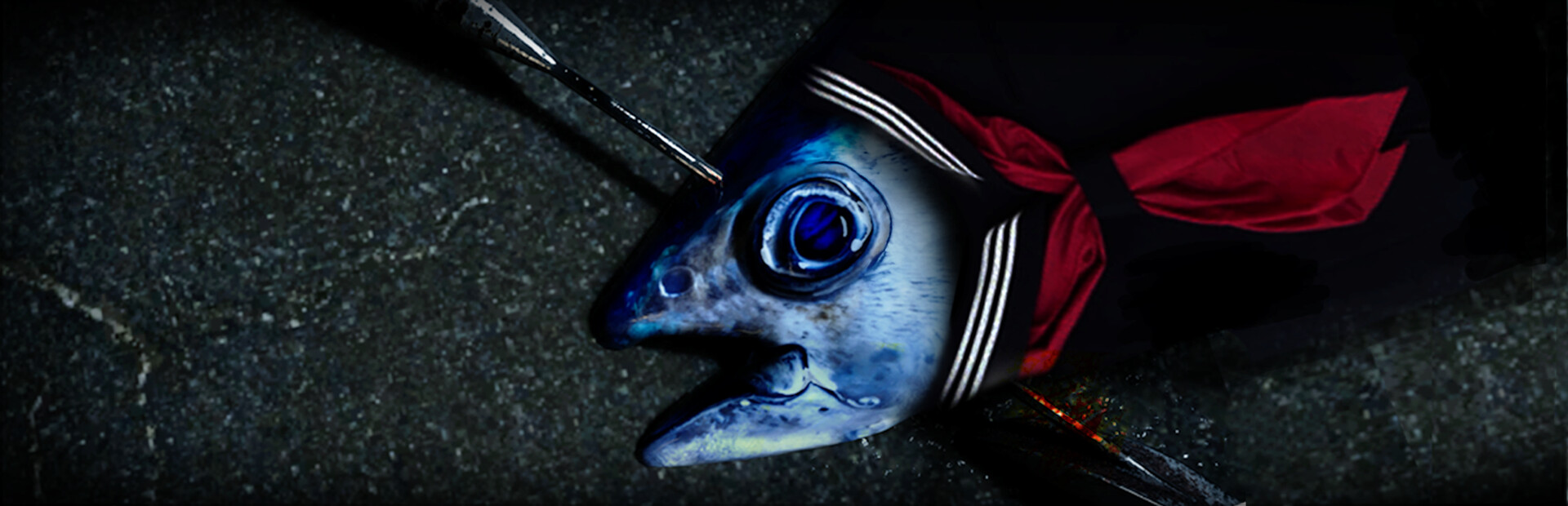
UMIGARI is a first-person harpoon fishing game set in the foggy waters off the coast of Japan. Hunt fish with your harpoon, sell your catch, buy fuel, and upgrade your gear. Alone at sea, the more you explore, the stranger the fish become.
UMIGARI is a first-person harpoon fishing game set in the foggy waters off the coast of Japan. Hunt fish with your harpoon, sell your catch, buy fuel, and upgrade your gear.
Alone at sea, the more you explore, the stranger the fish become.
Estimated playtime: 2–4 hours
Horror intensity: Very Light
This game is unlike our past games. If you’re looking for a hardcore horror experience, this may not be for you.
Hunt with Precision
Skillfully use your harpoon to catch a variety of fish, testing your timing and accuracy with every strike.


Upgrade Your Ship & Gear
Trade your catch for cash to enhance your ship’s speed and fuel capacity, allowing you to venture deeper into uncharted waters and discover new islands and hidden treasures.

Utilize Boat Equipment
Find equipment scattered around the world to aid your fish hunting.

Fish that react to you
Some fish are smarter than you think.

In-Game Music (Royalty Free)
Stock Media provided by AdiGoldstein / Pond5
Stock Media provided by tunes2you / Pond5
You are allowed to upload gameplay videos, stream, and create other broadcast content for all Chilla’s Art games.
From the store page, unedited. May contain spoilers.
This release
Reviews and playtime
Very Positive
83% of 1,077
The game
Genres and features
How to install UMIGARI | ウミガリ
Pre-installed, so there is no setup wizard. Follow these in order.
- 01
Create a games folder
Make a folder like C:\Games\ and keep every game in it. Avoid Program Files, Downloads and the Desktop.
- 02
Exclude it from Windows Defender
Defender often deletes cracked files by mistake while they extract. Add C:\Games\ as an excluded folder:
Windows Security -> Virus & threat protection -> Manage settings -> Exclusions -> Add an exclusion -> Folder
- 03
Download into C:\Games\
Save the archive straight into that folder. This release is one 4.3 GB file.
- 04
Extract it there
Use 7-Zip or WinRAR. Keep about 9.4 GB free while it unpacks.
- One file
- Right-click it -> Extract here.
- Several parts
- Extract only part1 (or .001). The other parts are read automatically.
- 05
Open README.html
It is inside the extracted folder and explains how to start the game.
Still stuck? Read the install help
Download
Set up your games folder and the Defender exclusion before you extract. The Install tab has the steps.
VikingFile
The whole game in one file
FileQ
The whole game in one file
Pixeldrain
The whole game in one file
Pixeldrain slows free downloads to a few MB/s. The Copy fast link button gives you a bypass link with no speed limit. Paste it into your download manager, or into your browser's address bar.
We don't accept fix requests when only one host is down. Please use another mirror above. Links broken? Let us know.
We never password-protect files or hide installers. If a page asks for a password or payment, that is the host's ad, not us. See our safety guide.
System requirements
- Min
- Windows 10 x64 or Above
- Rec
- Windows 11 x64
- Min
- Intel® Core™ i5-10600 or AMD equivalent
- Rec
- Intel® Core™ i7-10700K or AMD equivalent
- Min
- 8 GB RAM
- Rec
- 16 GB RAM
- Min
- NVIDIA® GTX 1060 or Radeon™ RX 580
- Rec
- NVIDIA® GeForce RTX 2070 or AMD equivalent
- Min
- Version 11
- Rec
- Version 12
- Min
- SSD is recommended. Play in DirectX 11 if you experience low performance or some issues.
- Rec
- SSD is recommended.
6 GB available space
Yes
These are the developer's listed requirements and may not be 100% accurate. If your specs fall below the minimum, try the game anyway; many games run fine below the listed requirements. When in doubt, check YouTube for performance benchmarks.