Veritus
Colorgrave2024Hack and Slash, Dungeon Crawler
338.7MBBuild 15633722Updated 76 days ago
About Veritus
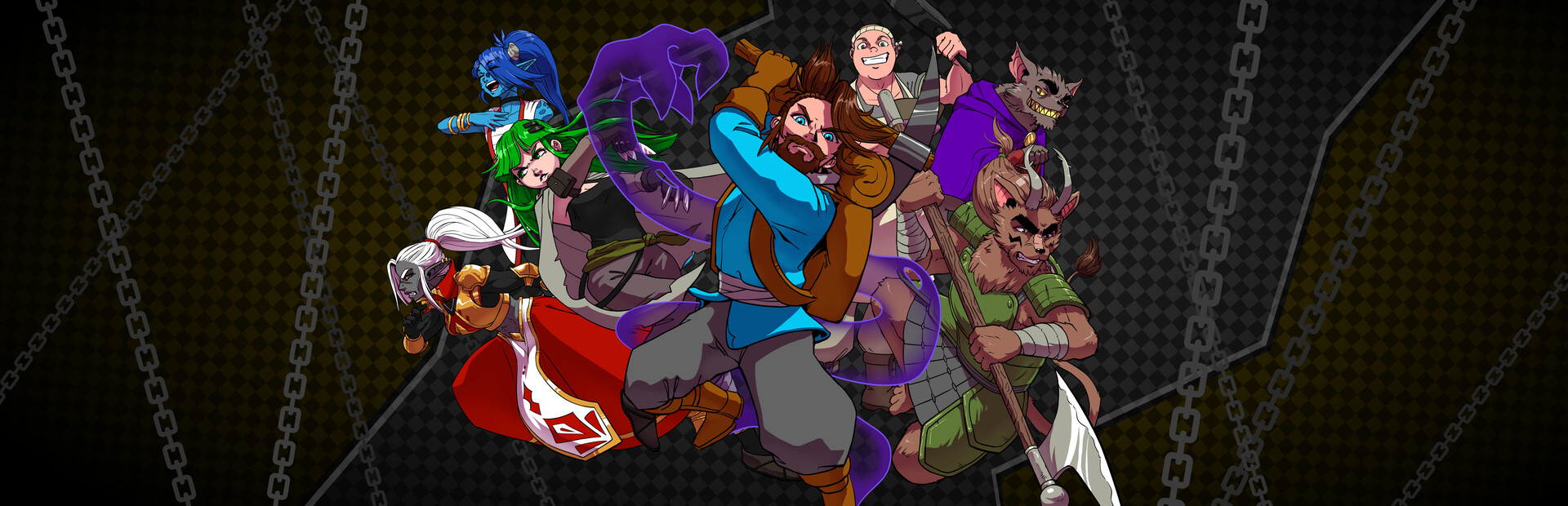
Unshroud secrets hidden deep within the dark chambers of the god of shadow’s castle. Persevere through monsters and mysteries lurking in every corner. Prepare to leave camp and journey into the castle’s lonely halls by collecting resources and equipment to make it out alive.

UNCOVER the mysteries surrounding the god of shadow, as you navigate the treacherous
corridors and chambers of his forgotten castle. Uncover the fragments of a key lost and
scattered throughout, to reveal what secrets are dwelling within the throne room.

PERSEVERE through many dangers lurking in every corner of the castle’s hallowed walls
using the weapons and tools at your disposal. Decipher puzzles created to prevent you
from continuing on your quest.

REGROUP and set up camps in safe havens, deep within the castle’s dark halls, where you can
prepare yourself for each adventure. Equip yourself with a variety of weapons and tools, go on
expeditions with your companions, and rest after each encounter.
From the store page, unedited. May contain spoilers.
This release
Reviews and playtime
Mostly Positive
79% of 143
The game
Genres and features


How to install Veritus
Pre-installed, so there is no setup wizard. Follow these in order.
- 01
Create a games folder
Make a folder like C:\Games\ and keep every game in it. Avoid Program Files, Downloads and the Desktop.
- 02
Exclude it from Windows Defender
Defender often deletes cracked files by mistake while they extract. Add C:\Games\ as an excluded folder:
Windows Security -> Virus & threat protection -> Manage settings -> Exclusions -> Add an exclusion -> Folder
- 03
Download into C:\Games\
Save the archive straight into that folder. This release is one 338.7MB file.
- 04
Extract it there
Use 7-Zip or WinRAR. Keep about 745.1 MB free while it unpacks.
- One file
- Right-click it -> Extract here.
- Several parts
- Extract only part1 (or .001). The other parts are read automatically.
- 05
Open README.html
It is inside the extracted folder and explains how to start the game.
Still stuck? Read the install help
Download
Set up your games folder and the Defender exclusion before you extract. The Install tab has the steps.
FileDitch
The whole game in one file
FileQ
The whole game in one file
Pixeldrain
The whole game in one file
Pixeldrain slows free downloads to a few MB/s. The Copy fast link button gives you a bypass link with no speed limit. Paste it into your download manager, or into your browser's address bar.
Gofile (legacy)
The whole game in one file
We don't accept fix requests when only one host is down. Please use another mirror above. Links broken? Let us know.
We never password-protect files or hide installers. If a page asks for a password or payment, that is the host's ad, not us. See our safety guide.
System requirements
- Min
- Windows 7 (SP1+) and Windows 10
- Min
- x86, x64 architecture with SSE2 instruction set support
- Min
- DX10, DX11, DX12 capable
These are the developer's listed requirements and may not be 100% accurate. If your specs fall below the minimum, try the game anyway; many games run fine below the listed requirements. When in doubt, check YouTube for performance benchmarks.