Waronoi
MFC2020Strategy, Indie
42.4MBBuild 12041098Updated 76 days ago
About Waronoi
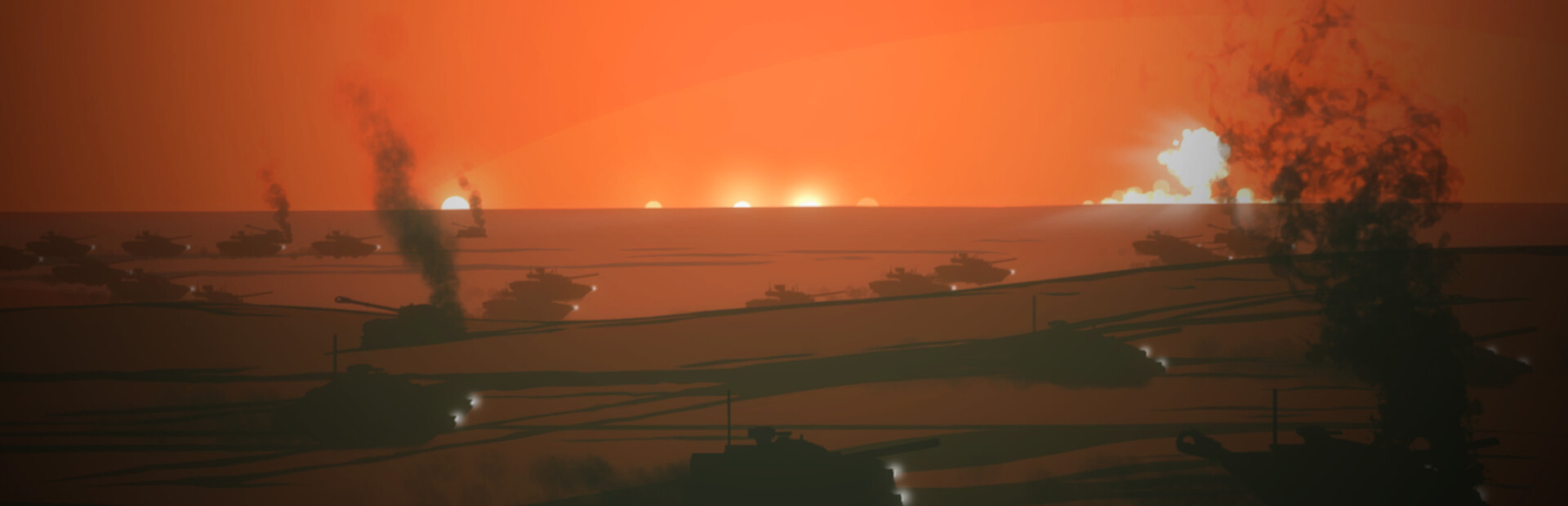
Command modern military armies by zooming out and issuing orders to large formations, or zooming in to issue orders to individual squads and vehicles. Waronoi is the real-time strategy war game.
Armies are organized hierarchically, meaning that units are connected to one another and has superior and subordinate units. Mastering this concept is the key to commanding your forces efficiently, as well as disrupting and disorganize the enemy.
Key Features
- Online multiplayer with up to 8 players or bots. Any team configuration is possible.
- Procedurally generated maps for infinite replayability.
- Unique command tree mechanic for easy large army management.
- Easy to learn, impossible to master, with gameplay that rewards fast thinking more then fast playing.
- Save and rewatch replays in order to hone your skills, or brag to your friends.
- Terrain editor tool allows for the creation of any battlefield imaginable.
From the store page, unedited. May contain spoilers.
This release
Reviews and playtime
Mostly Positive
76% of 66
The game
Genres and features
How to install Waronoi
Pre-installed, so there is no setup wizard. Follow these in order.
- 01
Create a games folder
Make a folder like C:\Games\ and keep every game in it. Avoid Program Files, Downloads and the Desktop.
- 02
Exclude it from Windows Defender
Defender often deletes cracked files by mistake while they extract. Add C:\Games\ as an excluded folder:
Windows Security -> Virus & threat protection -> Manage settings -> Exclusions -> Add an exclusion -> Folder
- 03
Download into C:\Games\
Save the archive straight into that folder. This release is one 42.4MB file.
- 04
Extract it there
Use 7-Zip or WinRAR. Keep about 93.3 MB free while it unpacks.
- One file
- Right-click it -> Extract here.
- Several parts
- Extract only part1 (or .001). The other parts are read automatically.
- 05
Open README.html
It is inside the extracted folder and explains how to start the game.
Still stuck? Read the install help
Download
Set up your games folder and the Defender exclusion before you extract. The Install tab has the steps.
FileDitch
The whole game in one file
0807
The whole game in one file
FileQ
The whole game in one file
Pixeldrain
The whole game in one file
Pixeldrain slows free downloads to a few MB/s. The Copy fast link button gives you a bypass link with no speed limit. Paste it into your download manager, or into your browser's address bar.
Gofile (legacy)
The whole game in one file
We don't accept fix requests when only one host is down. Please use another mirror above. Links broken? Let us know.
We never password-protect files or hide installers. If a page asks for a password or payment, that is the host's ad, not us. See our safety guide.
System requirements
- Min
- XP, Vista, 7, 8, 10
- Min
- Dual Core 1.6 GHz or better
- Min
- 8 GB RAM
- Min
- Version 9.0
- Min
- 500 MB available space
- Min
- Keyboard and mouse
These are the developer's listed requirements and may not be 100% accurate. If your specs fall below the minimum, try the game anyway; many games run fine below the listed requirements. When in doubt, check YouTube for performance benchmarks.