Zompiercer
DDDimanN2020Sandbox, Shooter
10.9 GBBuild 23648357Updated 136 days ago
About Zompiercer
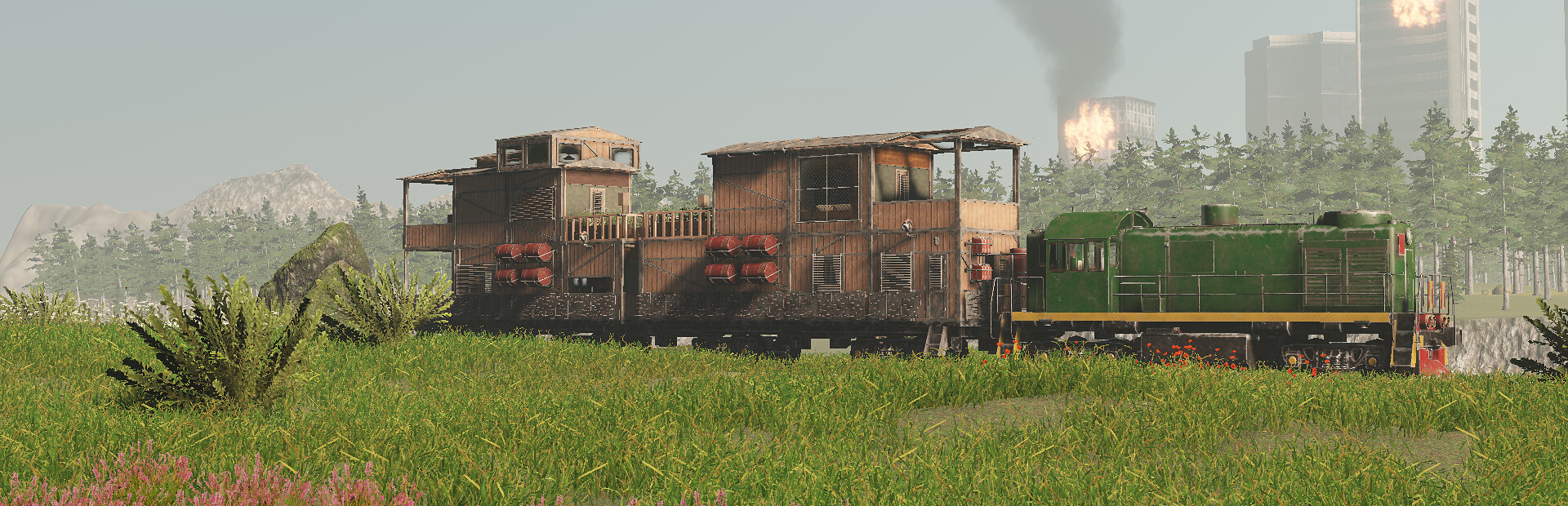
Take control of the train which will become your haven on the rails. Collect resources, craft equipment, construct a cozy house on railway cars, and travel through the carefully handcrafted locations to explore the story of a zombie apocalypse world.
Features
Take control of the train which will become your haven on the rails.

Explore the story by traveling through the extensive and carefully handcrafted locations where each of which will require you to overcome some specific challenges.
Find a robotic companion. Equip your robot with combat and support equipment to make your adventures easier.

Construct a home on railway cars. Various workbenches, storage containers, dozens of decoration elements, and the possibility to place any inventory item on any surface, will allow you to unleash your creativity and build a cozy mobile house that will keep you safe from the dangers of the outer world.


Fight against a horde of various zombies. Each type of zombie has its own behavior, tactics, strengths, and weakness. Loot and craft different weapons to improve your survival capabilities.

From the store page, unedited. May contain spoilers.
This release
Reviews and playtime
Very Positive
88% of 4,784
The game
Genres and features
How to install Zompiercer
Pre-installed, so there is no setup wizard. Follow these in order.
- 01
Create a games folder
Make a folder like C:\Games\ and keep every game in it. Avoid Program Files, Downloads and the Desktop.
- 02
Exclude it from Windows Defender
Defender often deletes cracked files by mistake while they extract. Add C:\Games\ as an excluded folder:
Windows Security -> Virus & threat protection -> Manage settings -> Exclusions -> Add an exclusion -> Folder
- 03
Download into C:\Games\
Save the archive straight into that folder. This release is one 10.9 GB file.
- 04
Extract it there
Use 7-Zip or WinRAR. Keep about 24.0 GB free while it unpacks.
- One file
- Right-click it -> Extract here.
- Several parts
- Extract only part1 (or .001). The other parts are read automatically.
- 05
Open README.html
It is inside the extracted folder and explains how to start the game.
Still stuck? Read the install help
Download
Set up your games folder and the Defender exclusion before you extract. The Install tab has the steps.
FileDitch
The whole game in one file
FileQ
The whole game in one file
Pixeldrain
The whole game in one file
Pixeldrain slows free downloads to a few MB/s. The Copy fast link button gives you a bypass link with no speed limit. Paste it into your download manager, or into your browser's address bar.
We don't accept fix requests when only one host is down. Please use another mirror above. Links broken? Let us know.
We never password-protect files or hide installers. If a page asks for a password or payment, that is the host's ad, not us. See our safety guide.
System requirements
- Min
- 2.4 Ghz Dual Core CPU
- Rec
- 3.0 Ghz Quad Core CPU or faster
- Min
- 8 GB RAM
- Rec
- 16 GB RAM
- Min
- 4 GB Dedicated Memory
- Rec
- 8 GB Dedicated Memory
Windows 7 or higher (64-bit)
Version 11
23 GB available space
Sound Card: DirectX® Compatible
These are the developer's listed requirements and may not be 100% accurate. If your specs fall below the minimum, try the game anyway; many games run fine below the listed requirements. When in doubt, check YouTube for performance benchmarks.