
Cubical Monthly2026Shooter, Idle
566.0MBBuild 26834935Updated 1 minute ago
About AMMO DUMP
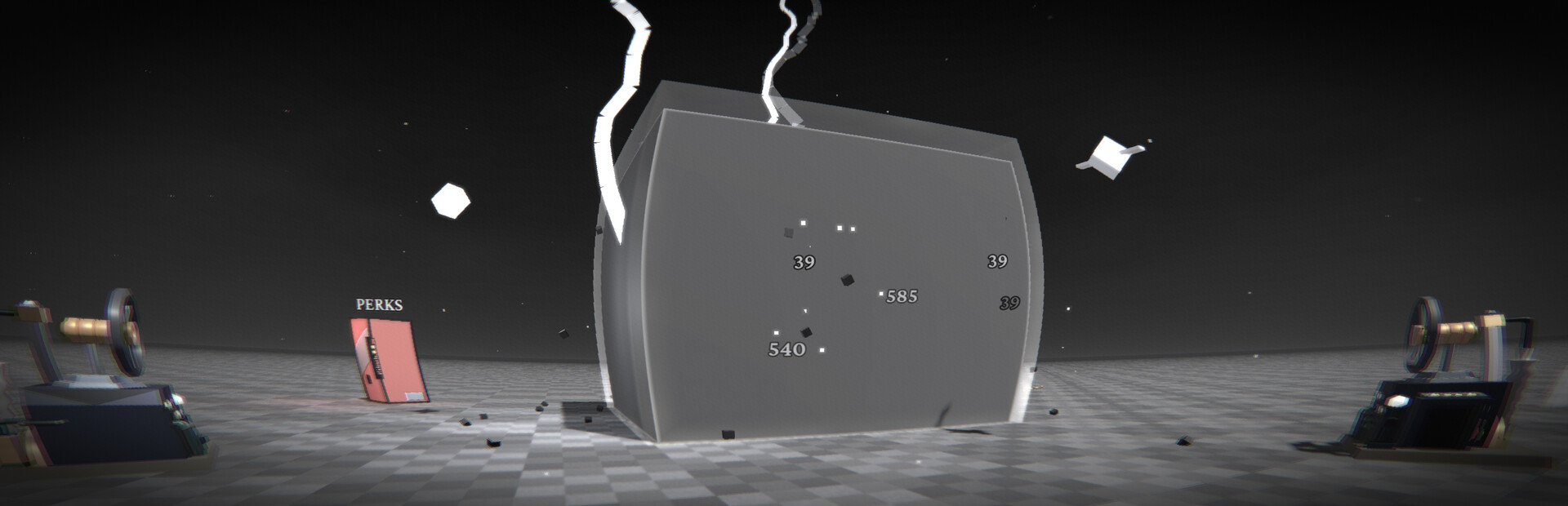
A short and dense first-person incremental shooter about one cube. Shoot it until it breaks and a bigger one slams down from the sky. Grab rounds from the ammo piles, chase bullseyes and gold cubes, and grow a skill tree from one pistol to lightning storms, turrets, meteors and a sun.
There is one cube. Shoot it.

Break it, and a bigger one slams down from the sky.

Grow one pistol into turrets, lightning storms and the sun.

Keep going until it is the size of a building.

Features
Thirty cubes, from the size of a fridge to forty meters tall
A boss every fifth cube, with a heart that moves when it cracks or little cubes that run for it
A skill tree of 77 upgrades, from faster triggers to meteors and the sun
Four guns and a knife, from a tap-fire pistol to a belt-fed
A perk to pick every fifth cube, three cards from a pool of 24
Ammo machines, piles of rounds and turrets you have to feed
Bullseyes, gold cubes, supply drops and events like cube rain and thunderstorms
A low spec mode, VSync and a frame cap for older PCs
Short and dense, about 1-2 hours
From the store page, unedited. May contain spoilers.
This release
Reviews and playtime
Positive
85% of 27
The game
Genres and features
How to install AMMO DUMP
Pre-installed, so there is no setup wizard. Follow these in order.
- 01
Create a games folder
Make a folder like C:\Games\ and keep every game in it. Avoid Program Files, Downloads and the Desktop.
- 02
Exclude it from Windows Defender
Defender often deletes cracked files by mistake while they extract. Add C:\Games\ as an excluded folder:
Windows Security -> Virus & threat protection -> Manage settings -> Exclusions -> Add an exclusion -> Folder
- 03
Download into C:\Games\
Save the archive straight into that folder. This release is one 566.0MB file.
- 04
Extract it there
Use 7-Zip or WinRAR. Keep about 1.2 GB free while it unpacks.
- One file
- Right-click it -> Extract here.
- Several parts
- Extract only part1 (or .001). The other parts are read automatically.
- 05
Open README.html
It is inside the extracted folder and explains how to start the game.
Still stuck? Read the install help
Download
Set up your games folder and the Defender exclusion before you extract. The Install tab has the steps.
FilesYard
The whole game in one file
VikingFile
The whole game in one file
We don't accept fix requests when only one host is down. Please use another mirror above. Links broken? Let us know.
We never password-protect files or hide installers. If a page asks for a password or payment, that is the host's ad, not us. See our safety guide.
System requirements
- Min
- Windows 10 (64-bit)
- Rec
- Windows 10 / 11 (64-bit)
- Min
- Intel Core i3-6100 / AMD Ryzen 3 1200
- Rec
- Intel Core i5-8400 / AMD Ryzen 5 2600
- Min
- 4 GB RAM
- Rec
- 8 GB RAM
- Min
- Intel HD Graphics 620 or any GPU with OpenGL 3.3
- Rec
- NVIDIA GeForce GTX 1050 / AMD Radeon RX 560
200 MB available space
These are the developer's listed requirements and may not be 100% accurate. If your specs fall below the minimum, try the game anyway; many games run fine below the listed requirements. When in doubt, check YouTube for performance benchmarks.