
Igara Studio2016Indie
198.8MBBuild 24676837Updated 96 days ago
About Aseprite
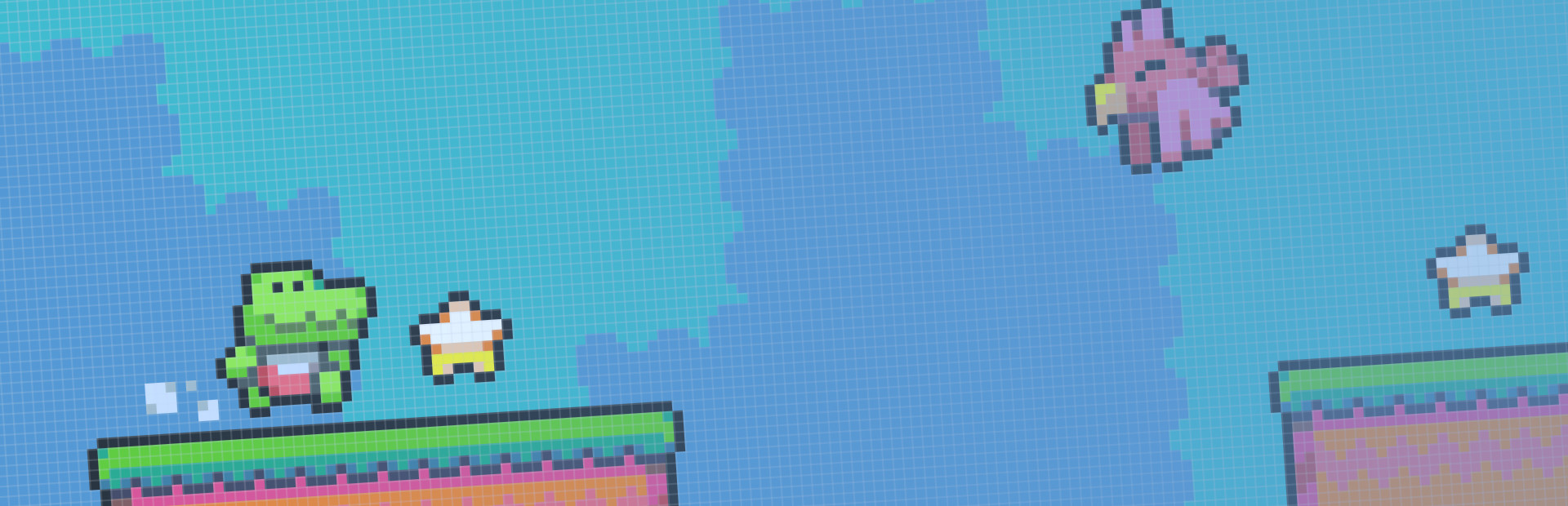
Aseprite is a pixel-art tool to create 2D animations, sprites, and any kind of graphics for games.
Features
- Compose sprites using layers & frames as separated concepts
- Create images in RGBA or Indexed color modes
- Open/Save GIF animations, sequence of PNG files, etc.
- A timeline where you can copy/move layers, frames, or specific images
- Animation tools: Real-time animation preview, onion skinning, tag frames
- Pixel art tools: shading, pixel perfect strokes, RotSprite rotation, tiled mode, filled contour
- Export/import sprite sheets
- A command line interface to automate conversion and sprite sheets generation
- Updates for the whole v1.x series up to v1.9.
From the store page, unedited. May contain spoilers.
This release
Reviews and playtime
Overwhelmingly Positive
98% of 21,737
The game
Genres and features
How to install Aseprite
Pre-installed, so there is no setup wizard. Follow these in order.
- 01
Create a games folder
Make a folder like C:\Games\ and keep every game in it. Avoid Program Files, Downloads and the Desktop.
- 02
Exclude it from Windows Defender
Defender often deletes cracked files by mistake while they extract. Add C:\Games\ as an excluded folder:
Windows Security -> Virus & threat protection -> Manage settings -> Exclusions -> Add an exclusion -> Folder
- 03
Download into C:\Games\
Save the archive straight into that folder. This release is one 198.8MB file.
- 04
Extract it there
Use 7-Zip or WinRAR. Keep about 437.4 MB free while it unpacks.
- One file
- Right-click it -> Extract here.
- Several parts
- Extract only part1 (or .001). The other parts are read automatically.
- 05
Open README.html
It is inside the extracted folder and explains how to start the game.
Still stuck? Read the install help
Download
Set up your games folder and the Defender exclusion before you extract. The Install tab has the steps.
FileDitch
The whole game in one file
FileQ
The whole game in one file
Gofile (legacy)
The whole game in one file
We don't accept fix requests when only one host is down. Please use another mirror above. Links broken? Let us know.
We never password-protect files or hide installers. If a page asks for a password or payment, that is the host's ad, not us. See our safety guide.
System requirements
- Min
- Windows 10, 11
- Min
- 128 MB RAM
- Min
- 80 MB available space
These are the developer's listed requirements and may not be 100% accurate. If your specs fall below the minimum, try the game anyway; many games run fine below the listed requirements. When in doubt, check YouTube for performance benchmarks.