
Hwonze2026Idle, Casual
224.1MBBuild 26629832Updated 15 days ago
About Birb
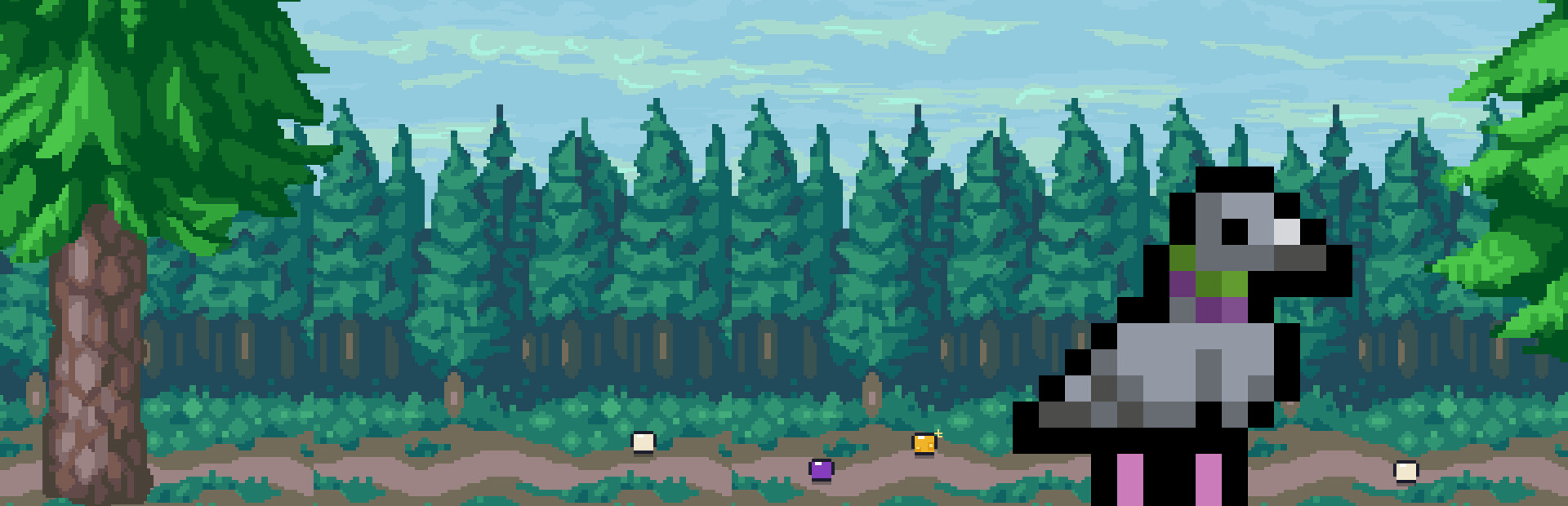
Start as a humble birb, eat popcorn, and evolve into a cosmic force of nature! Birb blends addictive idle mechanics with active roguelite expeditions. Build your nest, catch rare fish, challenge bosses, and compete on the global leaderboard. How many pecks will it take to rule the world?
Peck your way to power! Consume endless popcorn to mutate your birb into increasingly powerful forms. Will you remain a bird, or become something... more?
When you're not feasting, step through the portal into dangerous realms.
Explore Procedural Dungeons: Battle unique enemies.
Boss Battles: Face off against powerful foes to prove your dominance.
Take a break from the chaos at the Moonlit Waters.
Fishing Minigame: Cast your line to catch dozens of unique fish types.
Fill your Fishdex: distinct rarities, shiny variants, and weight records.
Manage your Aquarium: Show off your best catches or trade them for buffs.
Home is where the twig is. Unlocking powerful passive bonuses, automation features, and helpful companions like the Seagull, Parrow and Sparrow.
Social Flock
You are not alone! See other players moving in real-time in the park, chat with the flock, and compete for the top spot on the Global Leaderboards for Popcorn Eaten and Fish Caught.
Features:
Satisfying Idle progression
Active RPG-style combat expeditions
Hundreds of upgrades and skill trees
Retro Pixel Art aesthetic
Prestige system for infinite replayability
Are you ready to join the flock?
From the store page, unedited. May contain spoilers.
This release
Reviews and playtime
Very Positive
86% of 624
The game
Genres and features
How to install Birb
Pre-installed, so there is no setup wizard. Follow these in order.
- 01
Create a games folder
Make a folder like C:\Games\ and keep every game in it. Avoid Program Files, Downloads and the Desktop.
- 02
Exclude it from Windows Defender
Defender often deletes cracked files by mistake while they extract. Add C:\Games\ as an excluded folder:
Windows Security -> Virus & threat protection -> Manage settings -> Exclusions -> Add an exclusion -> Folder
- 03
Download into C:\Games\
Save the archive straight into that folder. This release is one 224.1MB file.
- 04
Extract it there
Use 7-Zip or WinRAR. Keep about 493.0 MB free while it unpacks.
- One file
- Right-click it -> Extract here.
- Several parts
- Extract only part1 (or .001). The other parts are read automatically.
- 05
Open README.html
It is inside the extracted folder and explains how to start the game.
Still stuck? Read the install help
Download
Set up your games folder and the Defender exclusion before you extract. The Install tab has the steps.
FilesYard
The whole game in one file
FileDitch
The whole game in one file
VikingFile
The whole game in one file
We don't accept fix requests when only one host is down. Please use another mirror above. Links broken? Let us know.
We never password-protect files or hide installers. If a page asks for a password or payment, that is the host's ad, not us. See our safety guide.
System requirements
- Min
- Windows 10 (64-bit)
- Rec
- Windows 11 (64-bit)
- Min
- Intel Core i3 3rd Gen
- Rec
- Intel Core i5 or superior
- Min
- -
- Rec
- Broadband Internet connection
1 GB RAM
Intel HD Graphics 4000
500 MB available space
Keyboard and mouse recommended
These are the developer's listed requirements and may not be 100% accurate. If your specs fall below the minimum, try the game anyway; many games run fine below the listed requirements. When in doubt, check YouTube for performance benchmarks.