INTI CREATES CO., LTD.2021Action, Adventure
633.0MBBuild 7272222Updated 3 minutes ago
About Blaster Master Zero 3
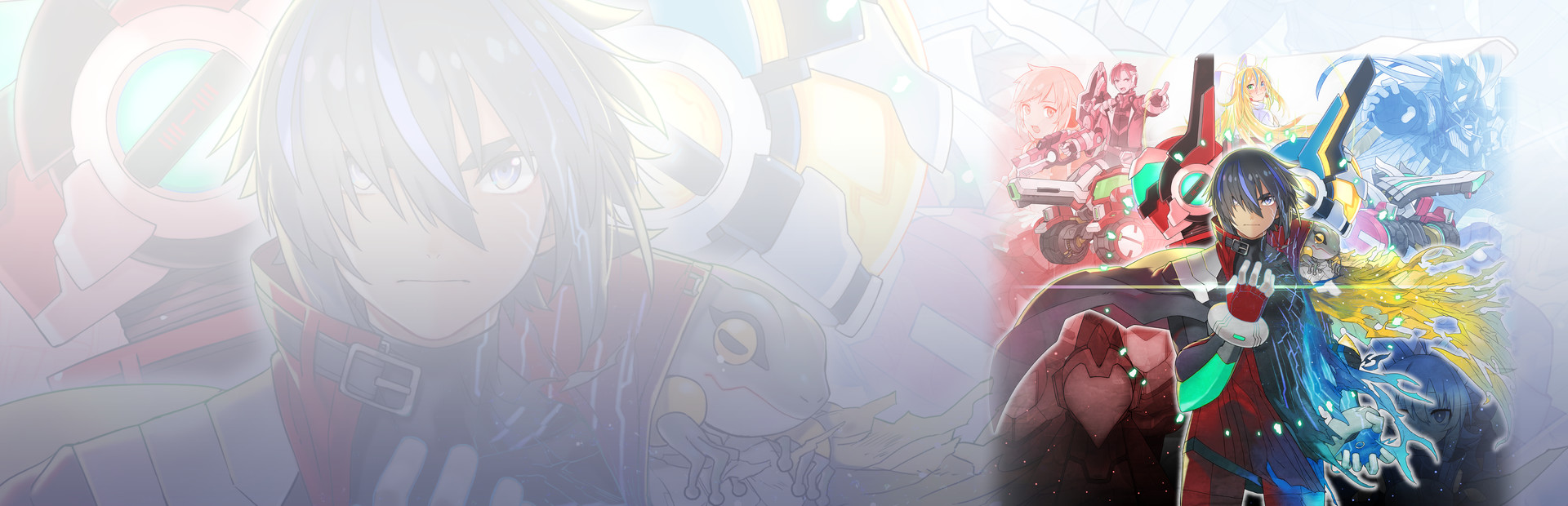
The Pinnacle of Mutant Blasting Action Is Here! — Blaster Master Zero 3's hybrid of sidescrolling and top-down action is back for its 3rd chapter, and more intense than ever before!
In Blaster Master Zero 3, it's time to hop aboard the all-terrain battle tank G-SOPHIA SV and explore the world around you in sideview mode, then travel into the depths of numerous dungeons on foot in top-down mode as the series protagonist Jason! With a host of new abilities and weapons in your arsenal, Blaster Master Zero 3's hybrid of side-scrolling and top-down action is more intense than ever before!
Blaster Master Zero 3 brings Jason back to where the series all began, the planet Sophia, in order to save series heroine Eve in this final installment of the BMZ trilogy.
- The finale of the "Jason Saga" is here!
From the depths of planet Earth, to outer space, and now beyond dimensional rifts, this charming intergalactic story comes to its epic conclusion!
- "Reverse" the situation with the VRV system to forge a new path forward!
Jason now has the power to cross over dimensions!
With the new "VRV system," venture into super-dimensional space and conquer tricky areas using the power of "reversal" as your guide.
From the store page, unedited. May contain spoilers.
This release
Reviews and playtime
Very Positive
88% of 465
The game
Genres and features
How to install Blaster Master Zero 3
Pre-installed, so there is no setup wizard. Follow these in order.
- 01
Create a games folder
Make a folder like C:\Games\ and keep every game in it. Avoid Program Files, Downloads and the Desktop.
- 02
Exclude it from Windows Defender
Defender often deletes cracked files by mistake while they extract. Add C:\Games\ as an excluded folder:
Windows Security -> Virus & threat protection -> Manage settings -> Exclusions -> Add an exclusion -> Folder
- 03
Download into C:\Games\
Save the archive straight into that folder. This release is one 633.0MB file.
- 04
Extract it there
Use 7-Zip or WinRAR. Keep about 1.4 GB free while it unpacks.
- One file
- Right-click it -> Extract here.
- Several parts
- Extract only part1 (or .001). The other parts are read automatically.
- 05
Open README.html
It is inside the extracted folder and explains how to start the game.
Still stuck? Read the install help
Download
Set up your games folder and the Defender exclusion before you extract. The Install tab has the steps.
FilesYard
The whole game in one file
VikingFile
The whole game in one file
We don't accept fix requests when only one host is down. Please use another mirror above. Links broken? Let us know.
We never password-protect files or hide installers. If a page asks for a password or payment, that is the host's ad, not us. See our safety guide.
System requirements
- Min
- Windows 7, 8.1, 10
- Rec
- -
- Min
- 2Ghz or faster processer
- Rec
- -
- Min
- 2 GB RAM
- Rec
- -
- Min
- 512MB VRAM (NVIDIA GeForce)
- Rec
- -
- Min
- Version 9.0c
- Rec
- -
- Min
- 500 MB available space
- Rec
- -
These are the developer's listed requirements and may not be 100% accurate. If your specs fall below the minimum, try the game anyway; many games run fine below the listed requirements. When in doubt, check YouTube for performance benchmarks.