
Mobius Digital2020Mystery, Adventure
4.5GBBuild 20230391Updated 85 days ago
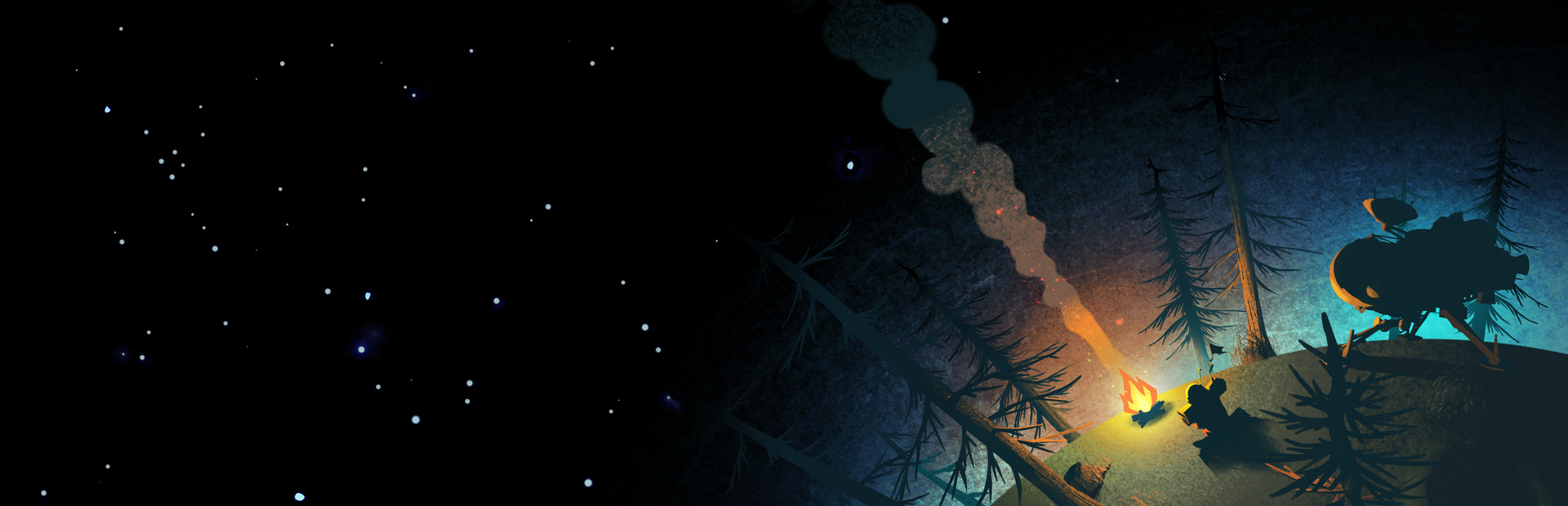
About Outer Wilds
Named Game of the Year 2019 by Giant Bomb, Polygon, Eurogamer, and The Guardian, Outer Wilds is a critically-acclaimed and award-winning open world mystery about a solar system trapped in an endless time loop.
Welcome to the Space Program!
You're the newest recruit of Outer Wilds Ventures, a fledgling space program searching for answers in a strange, constantly evolving solar system.
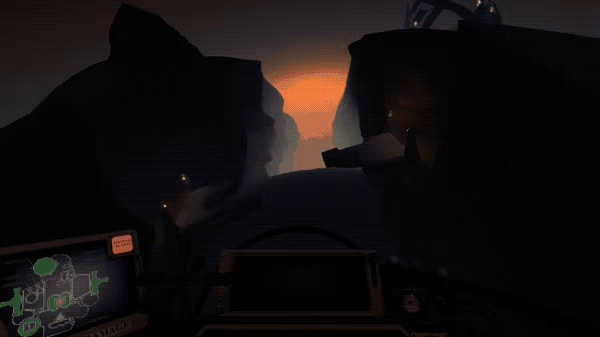
Mysteries of the Solar System...
What lurks in the heart of the ominous Dark Bramble? Who built the alien ruins on the Moon? Can the endless time loop be stopped? Answers await you in the most dangerous reaches of space.
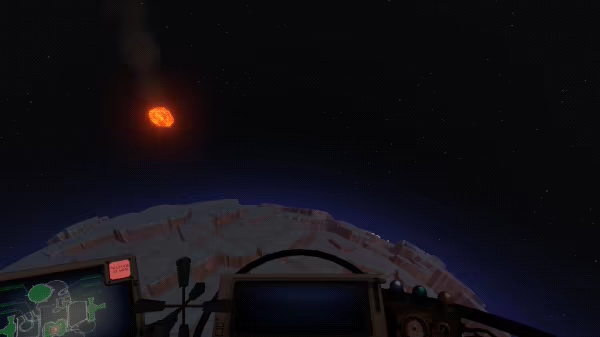
A World That Changes Over Time
The planets of Outer Wilds are packed with hidden locations that change with the passage of time. Visit an underground city before it's swallowed by sand, or explore the surface of a planet as it crumbles beneath your feet. Every secret is guarded by hazardous environments and natural catastrophes.

Grab Your Intergalactic Hiking Gear!
Strap on your hiking boots, check your oxygen levels, and get ready to venture into space. Use a variety of unique gadgets to probe your surroundings, track down mysterious signals, decipher ancient alien writing, and roast the perfect marshmallow.

From the store page, unedited. May contain spoilers.
This release
Reviews and playtime
Overwhelmingly Positive
95% of 91,736
The game
Genres and features


How to install Outer Wilds
Pre-installed, so there is no setup wizard. Follow these in order.
- 01
Create a games folder
Make a folder like C:\Games\ and keep every game in it. Avoid Program Files, Downloads and the Desktop.
- 02
Exclude it from Windows Defender
Defender often deletes cracked files by mistake while they extract. Add C:\Games\ as an excluded folder:
Windows Security -> Virus & threat protection -> Manage settings -> Exclusions -> Add an exclusion -> Folder
- 03
Download into C:\Games\
Save the archive straight into that folder. This release is one 4.5GB file.
- 04
Extract it there
Use 7-Zip or WinRAR. Keep about 9.9 GB free while it unpacks.
- One file
- Right-click it -> Extract here.
- Several parts
- Extract only part1 (or .001). The other parts are read automatically.
- 05
Open README.html
It is inside the extracted folder and explains how to start the game.
Still stuck? Read the install help
Download
Set up your games folder and the Defender exclusion before you extract. The Install tab has the steps.
FileDitch
The whole game in one file
0807
The whole game in one file
FileQ
The whole game in one file
Pixeldrain
The whole game in one file
Pixeldrain slows free downloads to a few MB/s. The Copy fast link button gives you a bypass link with no speed limit. Paste it into your download manager, or into your browser's address bar.
Gofile (legacy)
The whole game in one file
We don't accept fix requests when only one host is down. Please use another mirror above. Links broken? Let us know.
We never password-protect files or hide installers. If a page asks for a password or payment, that is the host's ad, not us. See our safety guide.
System requirements
- Min
- Intel Core i5-2300 | AMD FX-4350
- Rec
- Intel Core i5-8400 | AMD Ryzen 5 2600X
- Min
- 6 GB RAM
- Rec
- 8 GB RAM
- Min
- Nvidia GeForce GTX 660, 2 GB | AMD Radeon HD 7870, 2 GB
- Rec
- Nvidia GeForce GTX 1060 | AMD Radeon RX 580
Windows 10
8 GB available space
Gamepad or Controller Recommended (Xbox and PS4 Natively Supported)
These are the developer's listed requirements and may not be 100% accurate. If your specs fall below the minimum, try the game anyway; many games run fine below the listed requirements. When in doubt, check YouTube for performance benchmarks.