Chicken Invaders 2
InterAction studios2016Action, Indie
199.7MB25573478Updated 42 days ago
About Chicken Invaders 2
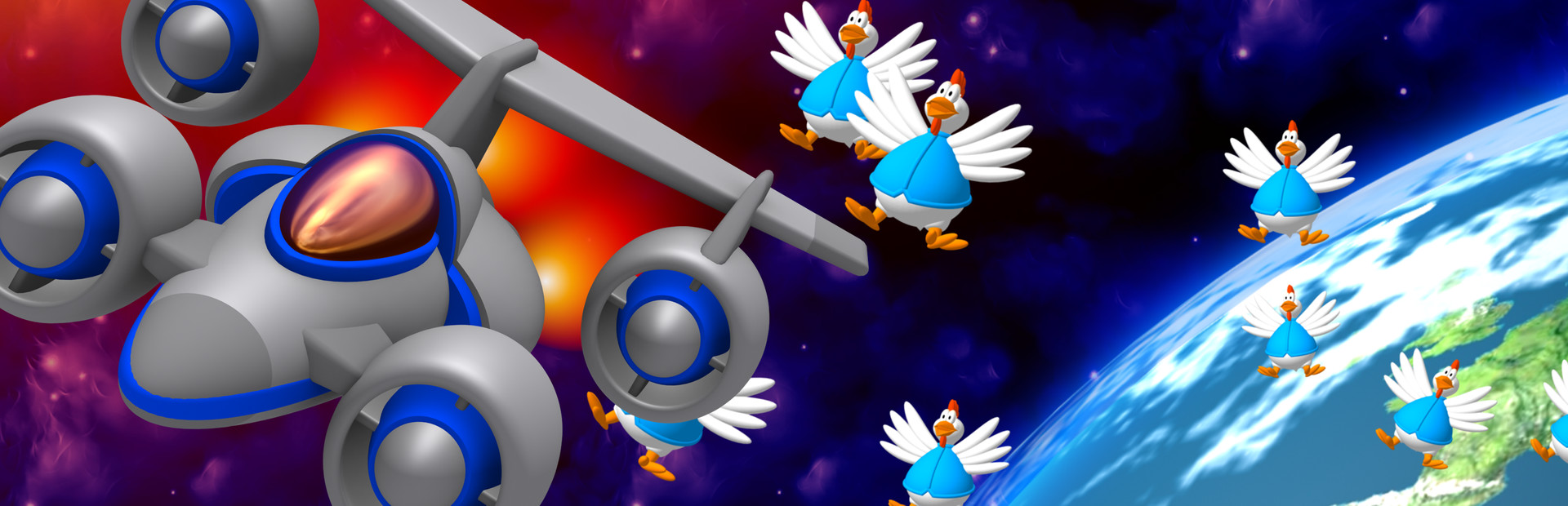
Just when you thought it was safe to eat chicken again, the chickens have returned with an organized invasion to take over the entire solar system! Journey to each planet and fight your way through to save the world (again)!
In the first chapter of the Chicken Invaders saga, you defended Earth against an invasion of intergalactic chickens seeking revenge for the oppression of their earthly brethren. However, as you were clearing out the last of the chicken invaders and were looking forward to a double chicken burger special at the space burger bar, the true scale of the problem became apparent: the first invasion was simply a precursor to the chicken's main assault! Their master plan now becomes clear: to invade each planet in the solar system and make sure that it is inhabited exclusively by chickens!
The time has now come to don your egg-repulsing helmet and make the biggest omelette you've ever made as you continue your adventure in the second chapter of Chicken Invaders: The Next Wave. Only you can make a difference. Will you succeed? Will the future of chicken burgers be secure? Or will you end up as part of the menu in a galactic chicken restaurant?
- Steam exclusive: Choose between original (chiptune) and remastered (orchestral) music
- Steam exclusive: Unified analogue & D-pad joystick support
- Steam exclusive: Capabitliy to reassign mouse buttons
From the store page, unedited. May contain spoilers.
This release
Includes1 DLC
- Chicken Invaders 2 - Christmas Edition
Reviews and playtime
Overwhelmingly Positive
97% of 546
The game
Genres and features


How to install Chicken Invaders 2
Pre-installed, so there is no setup wizard. Follow these in order.
- 01
Create a games folder
Make a folder like C:\Games\ and keep every game in it. Avoid Program Files, Downloads and the Desktop.
- 02
Exclude it from Windows Defender
Defender often deletes cracked files by mistake while they extract. Add C:\Games\ as an excluded folder:
Windows Security -> Virus & threat protection -> Manage settings -> Exclusions -> Add an exclusion -> Folder
- 03
Download into C:\Games\
Save the archive straight into that folder. This release is one 199.7MB file.
- 04
Extract it there
Use 7-Zip or WinRAR. Keep about 439.3 MB free while it unpacks.
- One file
- Right-click it -> Extract here.
- Several parts
- Extract only part1 (or .001). The other parts are read automatically.
- 05
Open README.html
It is inside the extracted folder and explains how to start the game.
Still stuck? Read the install help
Download
Set up your games folder and the Defender exclusion before you extract. The Install tab has the steps.
FileDitch
The whole game in one file
VikingFile
The whole game in one file
0807
The whole game in one file
We don't accept fix requests when only one host is down. Please use another mirror above. Links broken? Let us know.
We never password-protect files or hide installers. If a page asks for a password or payment, that is the host's ad, not us. See our safety guide.
System requirements
- Min
- Windows XP/Vista/7/8/8.1/10
- Min
- 512 MB RAM
- Min
- Version 9.0c
- Min
- 80 MB available space
These are the developer's listed requirements and may not be 100% accurate. If your specs fall below the minimum, try the game anyway; many games run fine below the listed requirements. When in doubt, check YouTube for performance benchmarks.