BODOS2026Casual, Idle
251.6 MBBuild 24195597Updated 136 days ago
About Goblin Attack
Shoot goblins, grow your army, and maintain your speed with every tap. Play in full screen or let the game run silently at the bottom of the screen while you do other things.
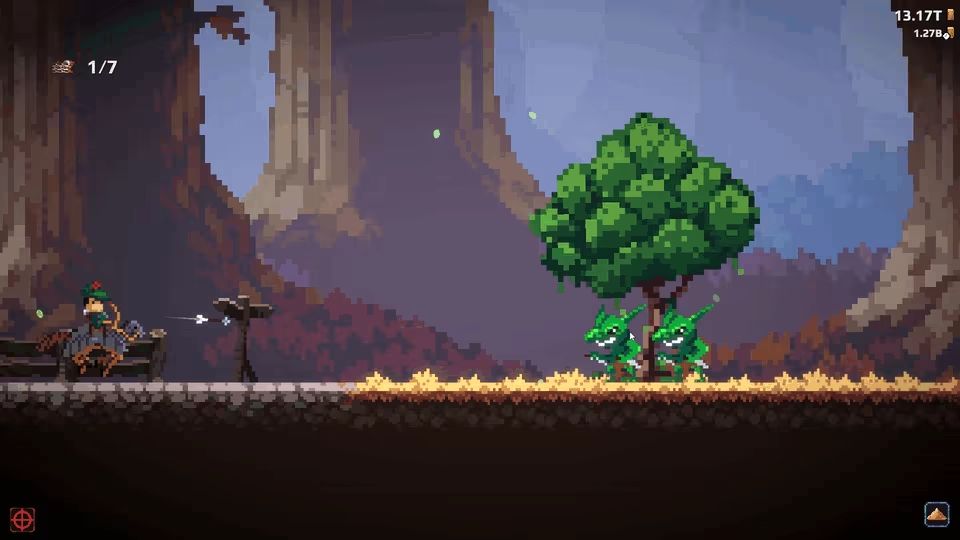

Play Goblin Attack in full screen or switch to a mode designed to sit at the bottom of your screen just like those games you keep running in the background. Your gold and passive income keep flowing while you work, browse, or watch something. Your progress never stops.
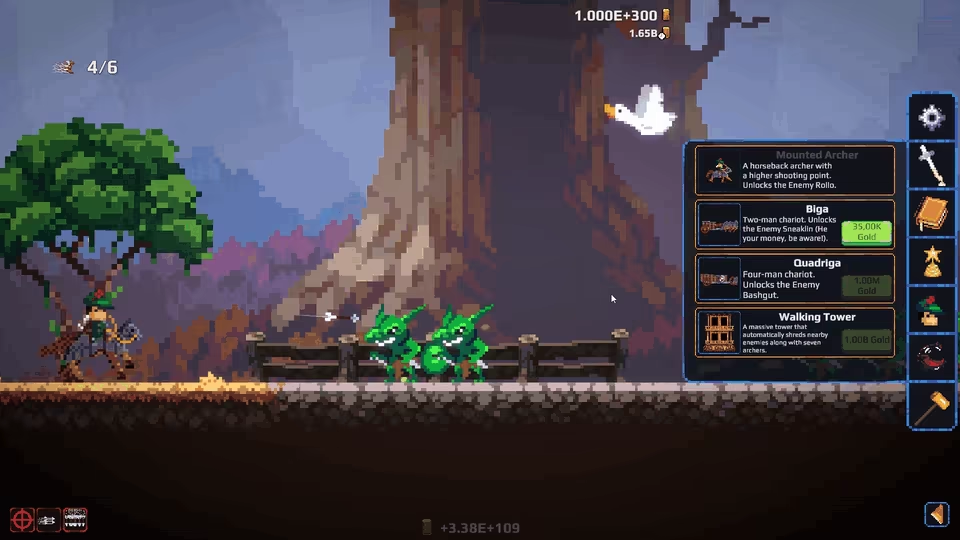

You start as a humble walking archer. Tap to shoot, earn gold, and grow. Unlock a Mounted Archer, then a Cart with two archers, then a bigger cart with four, and finally a Walking Tower armed with seven archers that even handles melee automatically. Every upgrade changes how your journey feels.
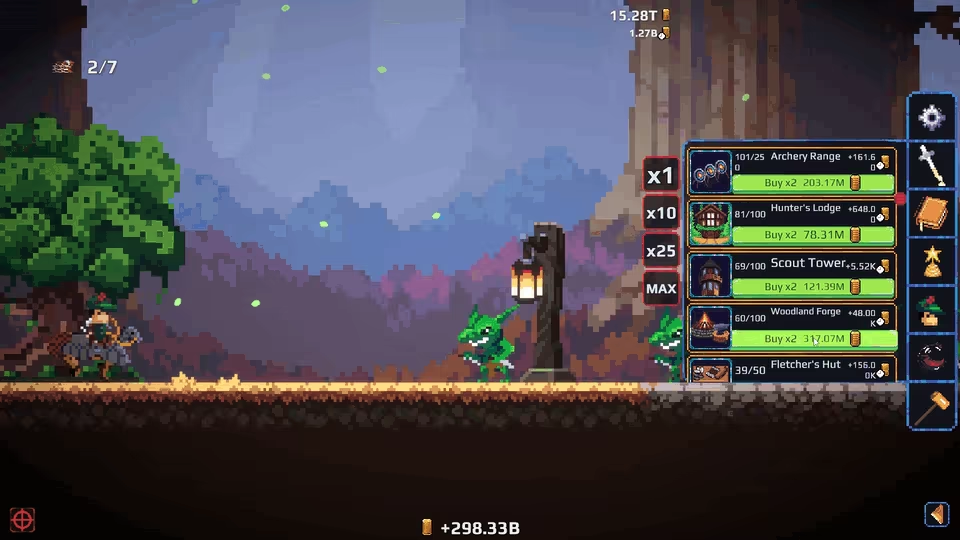

Spend your gold on upgrades that boost your income and speed. Build passive income buildings from the menu. Then Ascend: reset your progress, keep your Essence, and unlock powerful new abilities like Rain of Arrows or multi-shot on tap. Each reset gets you stronger than before.
You move forward goblins appear in your path.
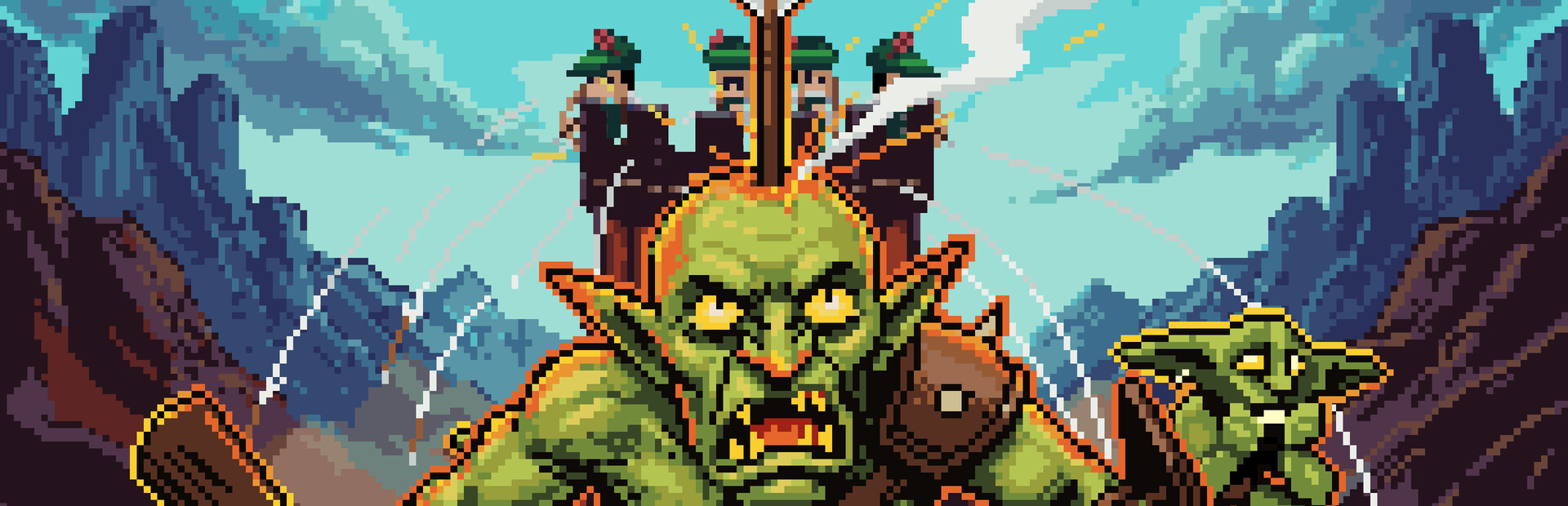
Most go down in one shot. Shield Bearers take several hits depending on their size. Tank Goblins are massive and absorb a lot before falling. Stealth Goblins blend into the background let one slip past and they'll steal your gold. Mushrooms and Slimes are one-tap easy. Ducks fly overhead shoot one for a bonus reward.
Missing goblins isn't lethal but it resets your speed buff, so keeping your aim sharp always pays off. 
The environment shifts every few minutes new platforms and backgrounds keep the scenery fresh as you push forward.
From the store page, unedited. May contain spoilers.
This release
Reviews and playtime
Mostly Positive
76% of 74
The game
Genres and features
How to install Goblin Attack
Pre-installed, so there is no setup wizard. Follow these in order.
- 01
Create a games folder
Make a folder like C:\Games\ and keep every game in it. Avoid Program Files, Downloads and the Desktop.
- 02
Exclude it from Windows Defender
Defender often deletes cracked files by mistake while they extract. Add C:\Games\ as an excluded folder:
Windows Security -> Virus & threat protection -> Manage settings -> Exclusions -> Add an exclusion -> Folder
- 03
Download into C:\Games\
Save the archive straight into that folder. This release is one 251.6 MB file.
- 04
Extract it there
Use 7-Zip or WinRAR. Keep about 553.5 MB free while it unpacks.
- One file
- Right-click it -> Extract here.
- Several parts
- Extract only part1 (or .001). The other parts are read automatically.
- 05
Open README.html
It is inside the extracted folder and explains how to start the game.
Still stuck? Read the install help
Download
Set up your games folder and the Defender exclusion before you extract. The Install tab has the steps.
FileDitch
The whole game in one file
FileQ
The whole game in one file
Pixeldrain
The whole game in one file
Pixeldrain slows free downloads to a few MB/s. The Copy fast link button gives you a bypass link with no speed limit. Paste it into your download manager, or into your browser's address bar.
We don't accept fix requests when only one host is down. Please use another mirror above. Links broken? Let us know.
We never password-protect files or hide installers. If a page asks for a password or payment, that is the host's ad, not us. See our safety guide.
System requirements
- Min
- Windows 10
- Rec
- Windows 11
- Min
- 2 MB RAM
- Rec
- 4 GB RAM
- Min
- 512MB VRAM, DirectX 10 compatible (Integrated Graphics supported)
- Rec
- 1GB VRAM, DirectX 12 compatible (Integrated Graphics supported)
- Min
- -
- Rec
- Version 12
- Min
- 500 MB available space
- Rec
- 1 GB available space
Intel Core i3 or equivalent (Dual Core 2.0 GHz+)
These are the developer's listed requirements and may not be 100% accurate. If your specs fall below the minimum, try the game anyway; many games run fine below the listed requirements. When in doubt, check YouTube for performance benchmarks.