
Indie Devil2026Racing, Survival
2.5GBBuild 26243889Updated 30 days ago
About Nomad Drive
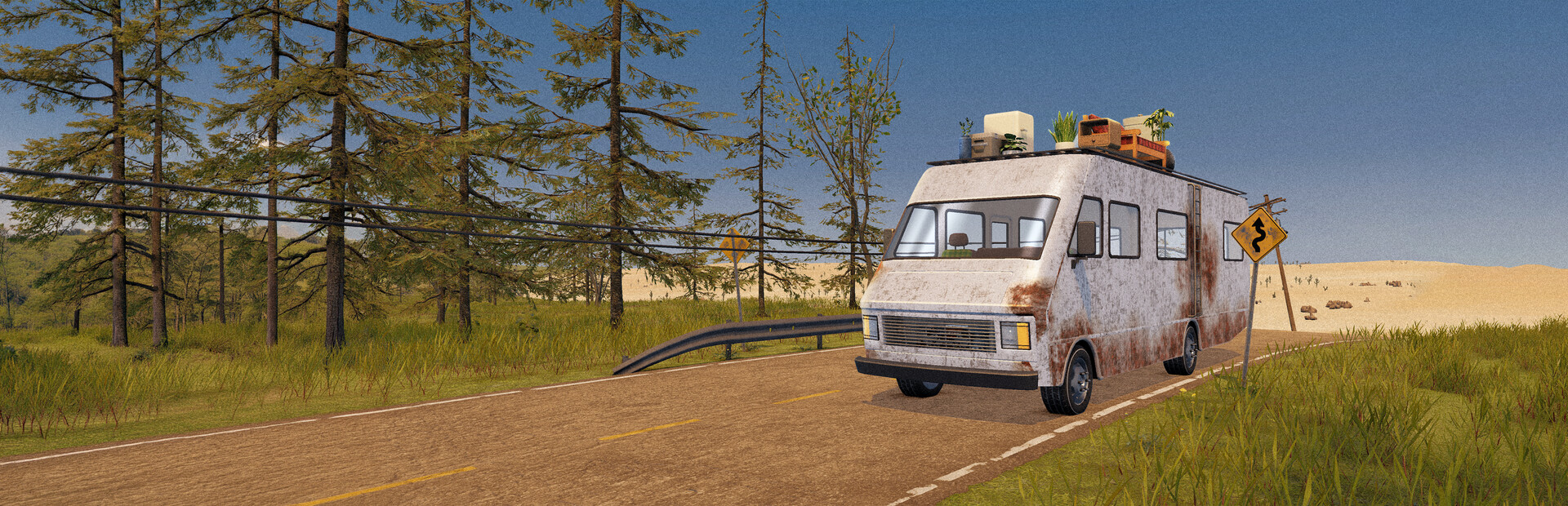
Repair your rundown RV and hit the road solo or in 1–4 player co-op through a procedurally generated post-apocalyptic world. Gather resources, customize your RV, and survive as long as you can.


Discover a procedurally generated post-apocalyptic world. Each new game offers a different starting point and experience, allowing you to collect resources and survive in abandoned locations and roads.


Explore a continuously shifting world of distinct biomes. Each unique region offers its own specific climate and ecosystem.
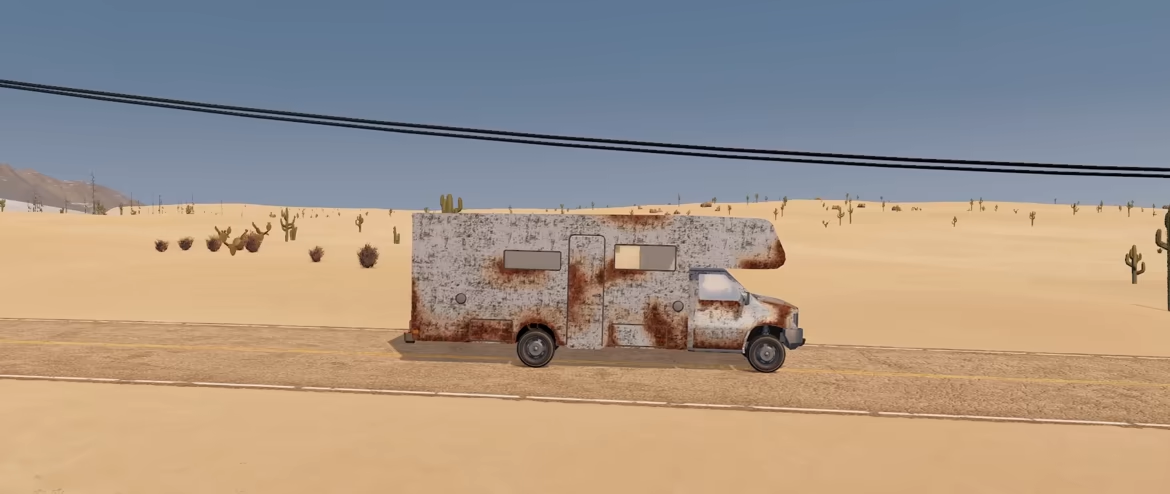

Begin your journey with a rundown RV, repairing and upgrading each part. Personalize everything from stoves and refrigerators to toilets and seating areas, creating your own living space.


Stay alive with activities such as cooking, fishing, repairing, and making coffee. Use your RV's kitchen to cook the food you find, making more nutritious meals.


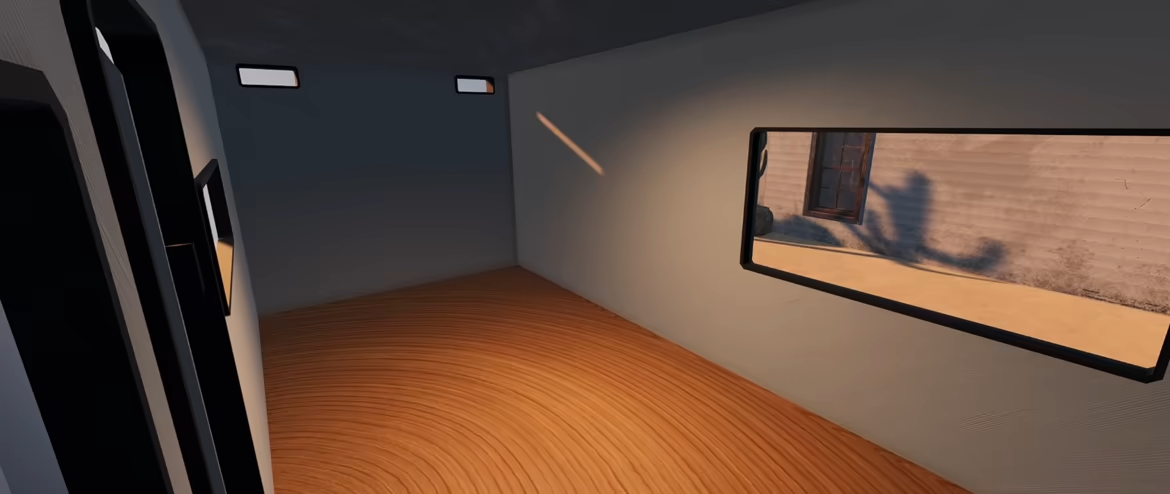
Discover Nomad Drive, where every part is fully interactive. Touch, customize, and explore everything from furniture to appliances. Make the RV truly yours!

Plant the fruit and vegetable seeds you discover in the world of Nomad Drive in pots and grow them by taking care of them. They will reward you with delicious fruits and vegetables.


From the store page, unedited. May contain spoilers.
This release
Reviews and playtime
Very Positive
82% of 2,079
The game
Genres and features
How to install Nomad Drive
Pre-installed, so there is no setup wizard. Follow these in order.
- 01
Create a games folder
Make a folder like C:\Games\ and keep every game in it. Avoid Program Files, Downloads and the Desktop.
- 02
Exclude it from Windows Defender
Defender often deletes cracked files by mistake while they extract. Add C:\Games\ as an excluded folder:
Windows Security -> Virus & threat protection -> Manage settings -> Exclusions -> Add an exclusion -> Folder
- 03
Download into C:\Games\
Save the archive straight into that folder. This release is one 2.5GB file.
- 04
Extract it there
Use 7-Zip or WinRAR. Keep about 5.5 GB free while it unpacks.
- One file
- Right-click it -> Extract here.
- Several parts
- Extract only part1 (or .001). The other parts are read automatically.
- 05
Open README.html
It is inside the extracted folder and explains how to start the game.
Still stuck? Read the install help
Download
Set up your games folder and the Defender exclusion before you extract. The Install tab has the steps.
FilesYard
The whole game in one file
FileDitch
The whole game in one file
VikingFile
The whole game in one file
We don't accept fix requests when only one host is down. Please use another mirror above. Links broken? Let us know.
We never password-protect files or hide installers. If a page asks for a password or payment, that is the host's ad, not us. See our safety guide.
System requirements
- Min
- Intel Core i5-8400 / AMD Ryzen 5 2600 (6 cores)
- Rec
- Intel Core i5-12400F / AMD Ryzen 5 5600X
- Min
- 12 GB RAM
- Rec
- 16 GB RAM
- Min
- NVIDIA GTX 1060 6 GB / AMD RX 580 8 GB (6 GB VRAM
- Rec
- NVIDIA RTX 3060 Ti / AMD RX 6700 XT (8 GB+ VRAM)
- Min
- Version 11
- Rec
- Version 12
Windows 10 / 11 (64-bit)
3 GB available space
These are the developer's listed requirements and may not be 100% accurate. If your specs fall below the minimum, try the game anyway; many games run fine below the listed requirements. When in doubt, check YouTube for performance benchmarks.