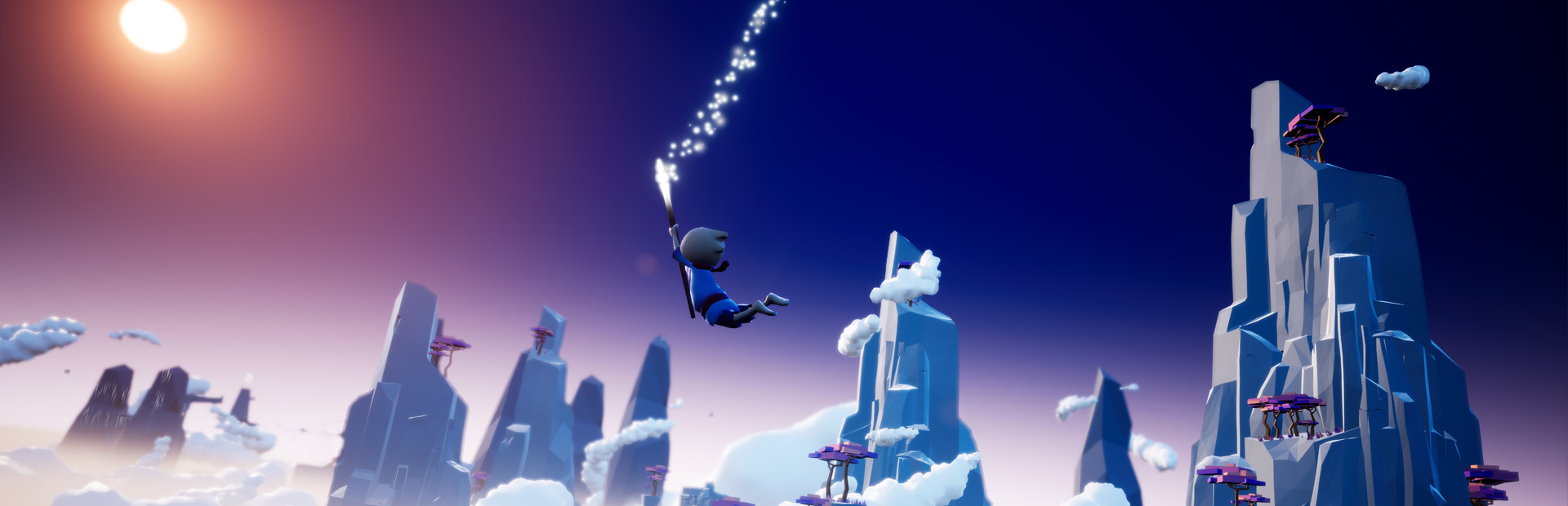
Omno
Studio Inkyfox2021Adventure, Platformer
880.2 MBBuild 7196633Updated 157 days ago
About Omno
A single-player journey of discovery through an ancient world of wonders, created by solo developer Jonas Manke.

Omno whisks you away on a journey of discovery through an ancient world of wonders. It’s a single-player adventure full of puzzles, secrets, and obstacles to overcome.


The power of a lost civilisation will carry you on an epic quest through lush forests, sun-blasted deserts, and frozen tundras - even to the clouds.

On your way, you’ll discover a vibrant world full of strange and wonderful lifeforms, from cute little critters to enigmatic giants, and everything in between.

Jonas Manke, solo developer and father of 3, began work on Omno as a hobby project 5 years ago after working as an animator in both games and movies.
From the store page, unedited. May contain spoilers.
This release
Reviews and playtime
Very Positive
90% of 1,862
The game
Genres and features



How to install Omno
Pre-installed, so there is no setup wizard. Follow these in order.
- 01
Create a games folder
Make a folder like C:\Games\ and keep every game in it. Avoid Program Files, Downloads and the Desktop.
- 02
Exclude it from Windows Defender
Defender often deletes cracked files by mistake while they extract. Add C:\Games\ as an excluded folder:
Windows Security -> Virus & threat protection -> Manage settings -> Exclusions -> Add an exclusion -> Folder
- 03
Download into C:\Games\
Save the archive straight into that folder. This release is one 880.2 MB file.
- 04
Extract it there
Use 7-Zip or WinRAR. Keep about 1.9 GB free while it unpacks.
- One file
- Right-click it -> Extract here.
- Several parts
- Extract only part1 (or .001). The other parts are read automatically.
- 05
Open README.html
It is inside the extracted folder and explains how to start the game.
Still stuck? Read the install help
Download
Set up your games folder and the Defender exclusion before you extract. The Install tab has the steps.
FileDitch
The whole game in one file
FileQ
The whole game in one file
Pixeldrain
The whole game in one file
Pixeldrain slows free downloads to a few MB/s. The Copy fast link button gives you a bypass link with no speed limit. Paste it into your download manager, or into your browser's address bar.
Gofile (legacy)
The whole game in one file
We don't accept fix requests when only one host is down. Please use another mirror above. Links broken? Let us know.
We never password-protect files or hide installers. If a page asks for a password or payment, that is the host's ad, not us. See our safety guide.
System requirements
- Min
- Windows 7, Windows 8 or Windows 10
- Rec
- -
- Min
- Intel or AMD Dual Core CPU
- Rec
- -
- Min
- 4 GB RAM
- Rec
- -
- Min
- DirectX 10 Feature Level AMD or NVIDIA Card with 1 GB VRAM
- Rec
- -
- Min
- 5 GB available space
- Rec
- -
These are the developer's listed requirements and may not be 100% accurate. If your specs fall below the minimum, try the game anyway; many games run fine below the listed requirements. When in doubt, check YouTube for performance benchmarks.