
Spicy Tuna Games2026Simulation, Idle
206.7MBBuild 24946535Updated 87 days ago
About Suncraft
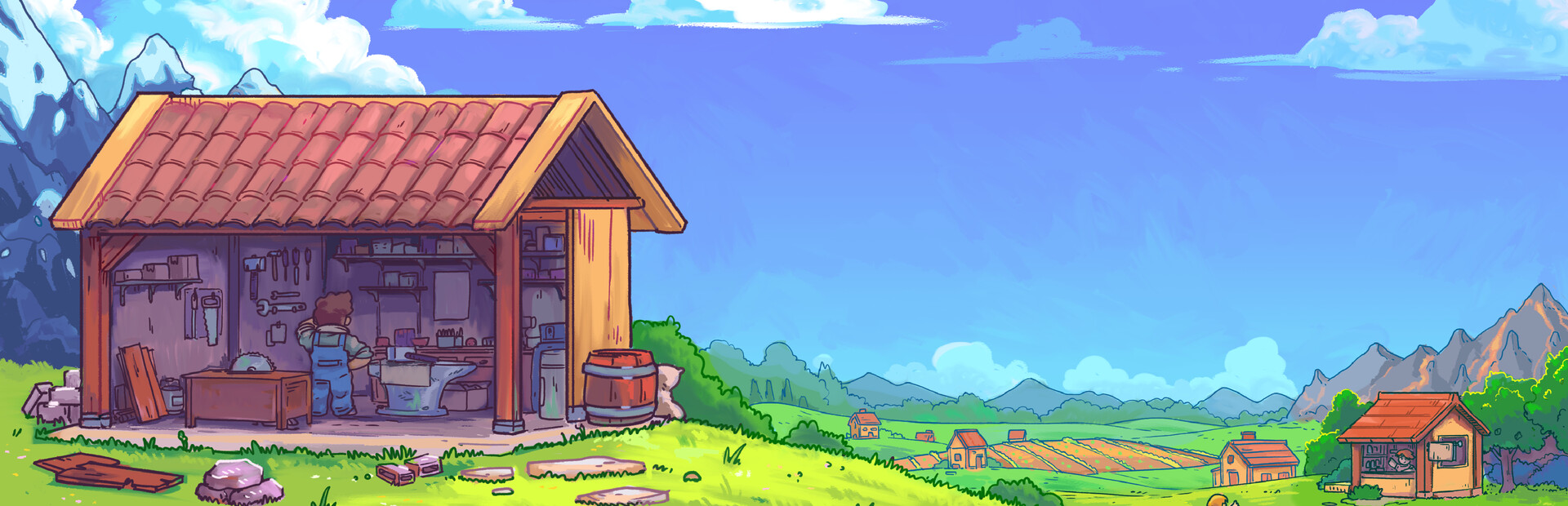
Another sun-filled day begins in this cozy pixel-art adventure. Gather, craft, upgrade, and help the villagers revive the land. Can you rebuild the grand Sunspire and bring the village back to its golden days?

Suncraft is a cozy pixel art adventure focused on growth and restoration. Step into a peaceful world where every tool you craft brings a new spark of life to the village. Settle into a relaxing rhythm of progress as you watch the village return to the glory it once had.
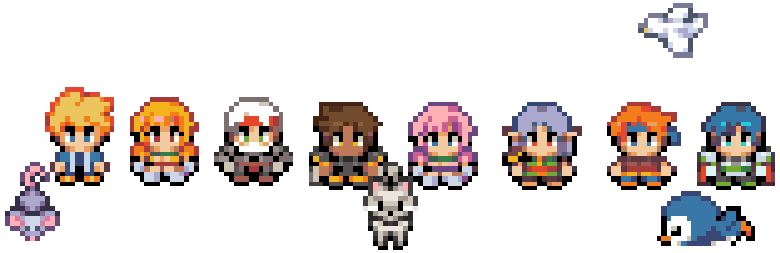
Do you want to enjoy the atmosphere of Suncraft? Wishlist Suncraft today to be notified at launch!
CORE GAMEPLAY
Explore and Gather
Journey through the land and collect materials while unlocking new biomes.

Craft and Rebuild
Build workstations, construct machines, and craft components piece by piece to repair the village and revive the land.

Upgrade and Automate
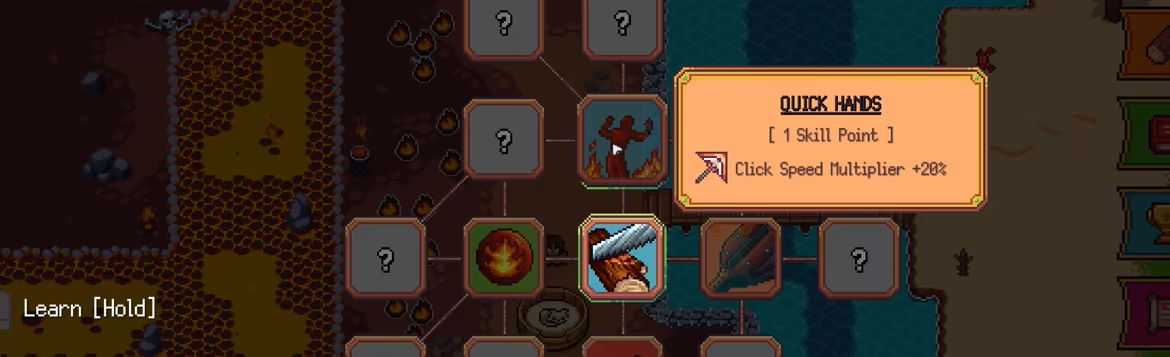
Unlock new gear, master powerful skills, and recruit loyal companions to help you along the way.
QUESTS AND MYSTERIES
Complete objectives for villagers to uncover the story of the village.
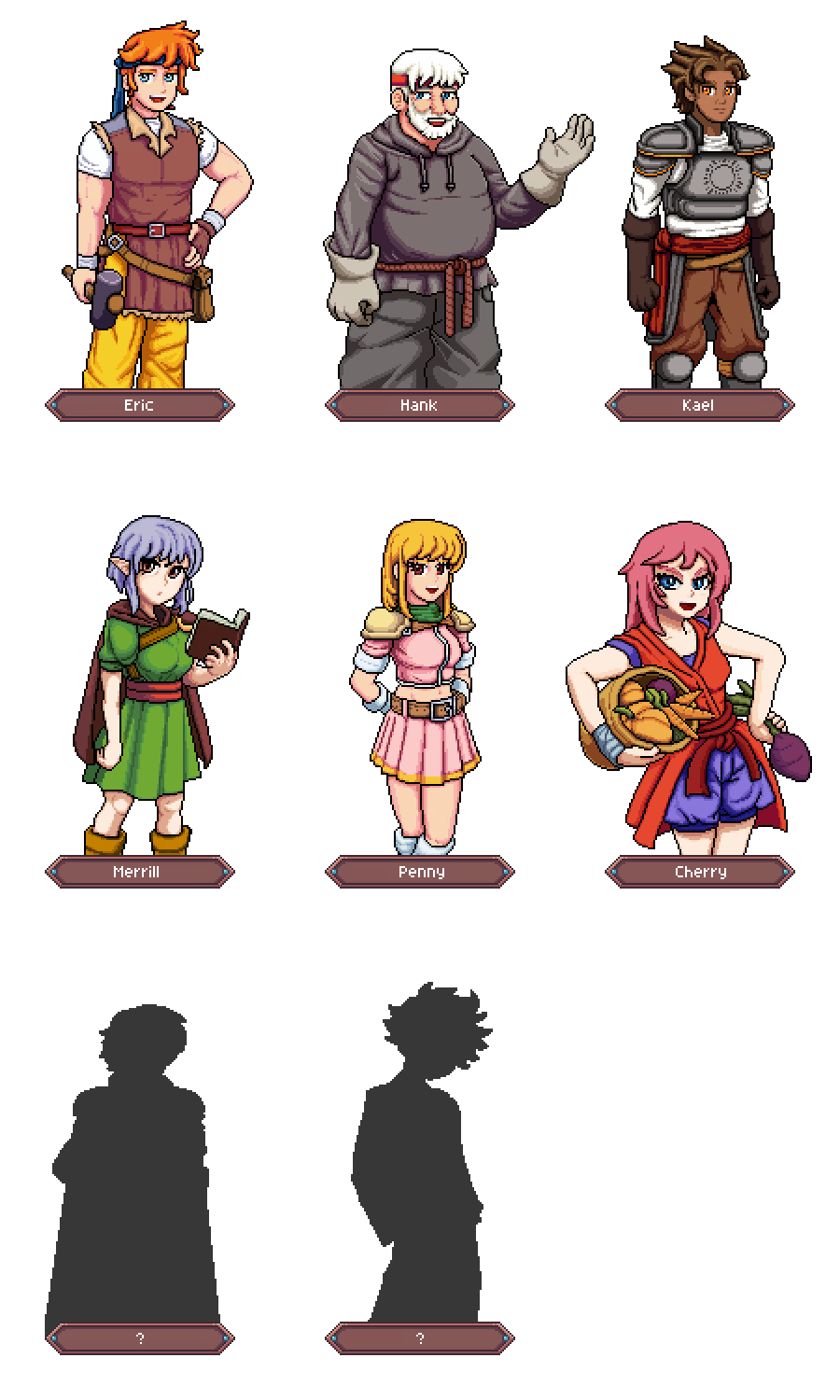
From the store page, unedited. May contain spoilers.
This release
Reviews and playtime
Very Positive
92% of 630
The game
Genres and features
How to install Suncraft
Pre-installed, so there is no setup wizard. Follow these in order.
- 01
Create a games folder
Make a folder like C:\Games\ and keep every game in it. Avoid Program Files, Downloads and the Desktop.
- 02
Exclude it from Windows Defender
Defender often deletes cracked files by mistake while they extract. Add C:\Games\ as an excluded folder:
Windows Security -> Virus & threat protection -> Manage settings -> Exclusions -> Add an exclusion -> Folder
- 03
Download into C:\Games\
Save the archive straight into that folder. This release is one 206.7MB file.
- 04
Extract it there
Use 7-Zip or WinRAR. Keep about 454.7 MB free while it unpacks.
- One file
- Right-click it -> Extract here.
- Several parts
- Extract only part1 (or .001). The other parts are read automatically.
- 05
Open README.html
It is inside the extracted folder and explains how to start the game.
Still stuck? Read the install help
Download
Set up your games folder and the Defender exclusion before you extract. The Install tab has the steps.
FileDitch
The whole game in one file
FileQ
The whole game in one file
Pixeldrain
The whole game in one file
Pixeldrain slows free downloads to a few MB/s. The Copy fast link button gives you a bypass link with no speed limit. Paste it into your download manager, or into your browser's address bar.
We don't accept fix requests when only one host is down. Please use another mirror above. Links broken? Let us know.
We never password-protect files or hide installers. If a page asks for a password or payment, that is the host's ad, not us. See our safety guide.
System requirements
- Min
- Windows 10
- Min
- Intel Core i3-2100 / AMD FX-4350 or equivalent
- Min
- 4 GB RAM
- Min
- Intel HD 620 / UHD 600 series, or NVIDIA GeForce GT 730 / AMD R7 240
- Min
- 1 GB available space
- Min
- Any Windows-compatible device
These are the developer's listed requirements and may not be 100% accurate. If your specs fall below the minimum, try the game anyway; many games run fine below the listed requirements. When in doubt, check YouTube for performance benchmarks.