
Beethoven and Dinosaur2026Walking Simulator, Rhythm
10.1 GBBuild 23580846Updated 165 days ago
About Mixtape
On their last night together, three friends embark on one final adventure. Play through a mixtape of memories, set to the soundtrack of a generation.

On their last night together, three friends embark on one final adventure. Play through a mixtape of memories, set to the soundtrack of a generation.
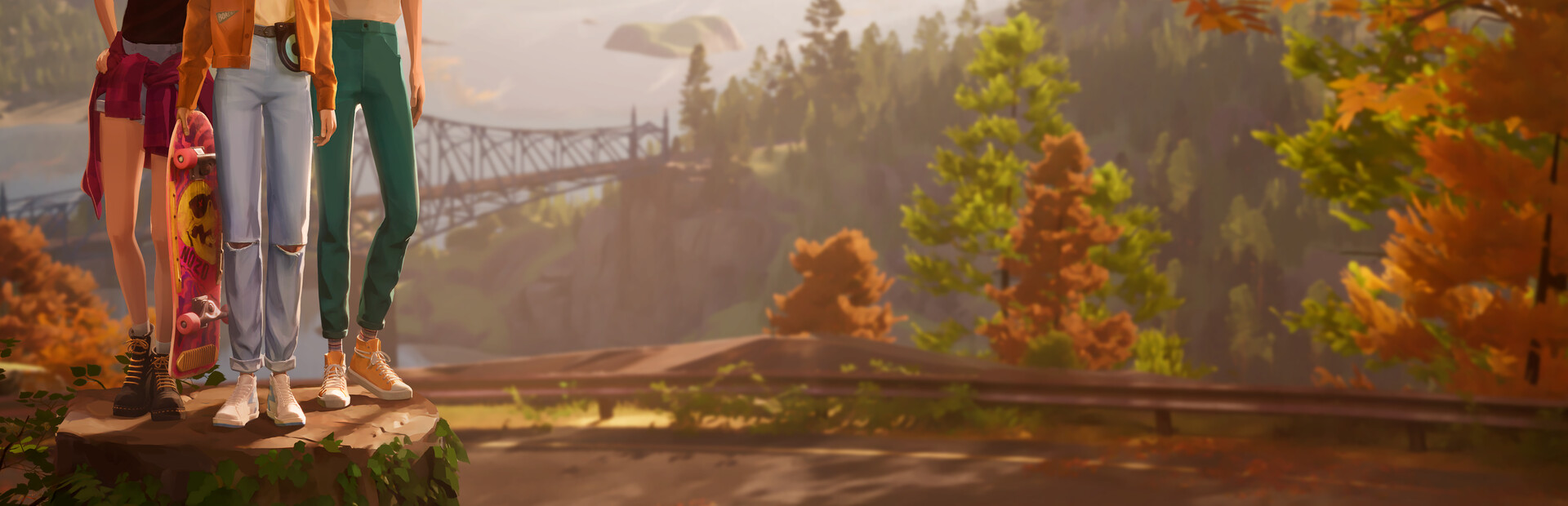
En route to their final party together, a perfectly curated playlist draws three friends into dreamlike reenactments of their formative memories. Experience a variety of narrative vignettes exploring the pivotal moments that shaped them. Players will immerse themselves in the teenage wasteland by playing through a mixtape of joyful gameplay, from skateboarding and flying to taking photos after hours at an abandoned theme park, hitting baseballs, and putting on a fireworks show from the backseat of a car. It's the greatest hits of the teenage experience, from the first kiss to the last dance.

From Beethoven & Dinosaur, developers of BAFTA award-winning game The Artful Escape, Mixtape draws inspiration from classic coming-of-age movies, bringing together nostalgic aimlessness, mischief, music, the highs and lows of adolescence, and the bittersweet feelings brought about by growth, transformation, and moving on.
Featuring music from DEVO, Roxy Music, Lush, The Smashing Pumpkins, Iggy Pop, Siouxsie and the Banshees, Joy Division, the Cure and many more.

Skate. Party. Avoid the law.
Hang out. Sneak out. Make out.
From the store page, unedited. May contain spoilers.
This release
Reviews and playtime
Very Positive
88% of 8,131
The game
Genres and features

How to install Mixtape
Pre-installed, so there is no setup wizard. Follow these in order.
- 01
Create a games folder
Make a folder like C:\Games\ and keep every game in it. Avoid Program Files, Downloads and the Desktop.
- 02
Exclude it from Windows Defender
Defender often deletes cracked files by mistake while they extract. Add C:\Games\ as an excluded folder:
Windows Security -> Virus & threat protection -> Manage settings -> Exclusions -> Add an exclusion -> Folder
- 03
Download into C:\Games\
Save the archive straight into that folder. This release is one 10.1 GB file.
- 04
Extract it there
Use 7-Zip or WinRAR. Keep about 22.2 GB free while it unpacks.
- One file
- Right-click it -> Extract here.
- Several parts
- Extract only part1 (or .001). The other parts are read automatically.
- 05
Open README.html
It is inside the extracted folder and explains how to start the game.
Still stuck? Read the install help
Download
Set up your games folder and the Defender exclusion before you extract. The Install tab has the steps.
FileDitch
The whole game in one file
Gofile (legacy)
The whole game in one file
We don't accept fix requests when only one host is down. Please use another mirror above. Links broken? Let us know.
We never password-protect files or hide installers. If a page asks for a password or payment, that is the host's ad, not us. See our safety guide.
System requirements
- Min
- Windows 10
- Rec
- Windows 11
- Min
- Intel core i5-9400F or AMD Ryzen 5 1500X
- Rec
- Intel Core i5-10600K or Ryzen 5 5500
- Min
- 8 GB RAM
- Rec
- 16 GB RAM
- Min
- Nvidia GeForce GTX 1650, 4GB or AMD Radeon RX 580, 8GB or Intel Arc A580, 8GB
- Rec
- GeForce RTX 3080, 10GB or AMD Radeon RX 7600 XT, 16GB.
12 GB available space
These are the developer's listed requirements and may not be 100% accurate. If your specs fall below the minimum, try the game anyway; many games run fine below the listed requirements. When in doubt, check YouTube for performance benchmarks.